
More articles and topics
Digital access card and QR code scanner at the turnstile/barrier
- Before you start
- A suitably configured scanner for check-in at a turnstile or barrier; suppliers can receive a QR code in their booking confirmation on request and use it within the booked time window.
- Where to find it
- Profile → My access cards
- How to check the result
- The digital card displays a QR code that the scanner reads for check-in.
On this page
Quick answer
Open Profile → My access card in the top right and present the digital card’s QR code to the scanner. Check-in also works at suitably configured turnstiles and barriers; suppliers who received a QR code in their booking confirmation (on request) can use it within the booked time window.
Your access card is now also available digitally. You can show the card directly in the browser or in the app and check in via QR code – with no physical card required. This even works at scanners connected to turnstiles or barriers.
Showing the access card digitally
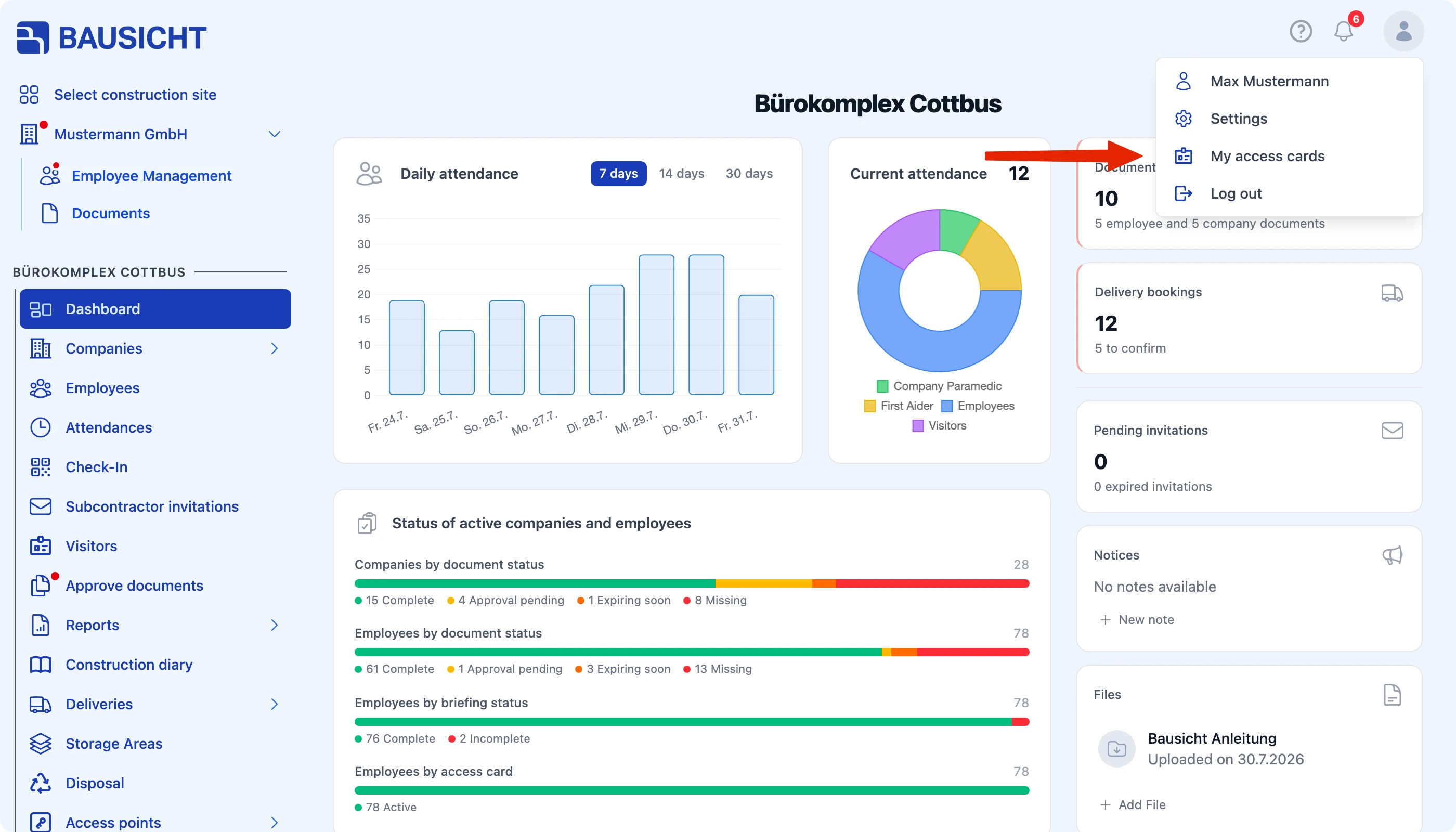
You will find your digital access card via your Profile (top right). From there you can display the card:
- In the browser: Open Bausicht in your browser and access the card via your Profile (top right).
- In the app: Open the app and access the card the same way via your Profile (top right).
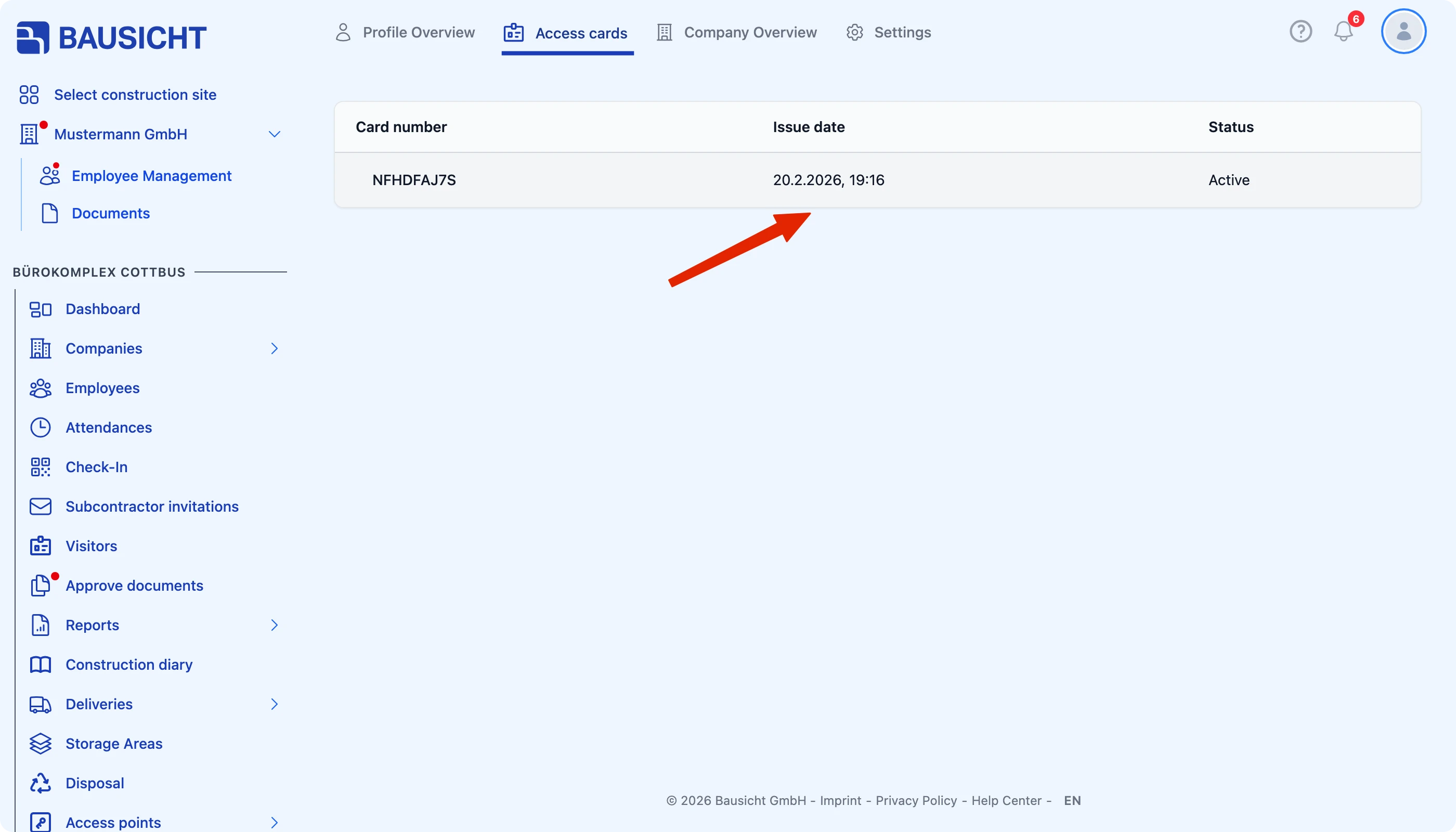
The Access card tab shows the QR code that is used for check-in.
Checking in via QR code
Hold the QR code shown on the digital access card up to the scanner to check in. The digital card replaces the physical access card.
Check-in via QR code also works at scanners connected to a turnstile or a barrier. After a successful scan, access is granted accordingly.
QR code for suppliers
On request, suppliers receive a QR code in their confirmation. When a supplier arrives within the time slot stored in Bausicht, they can use the QR code at the scanner and drive through directly.
Connecting scanners to turnstiles or barriers requires suitable hardware and corresponding on-site setup. If you would like to use this feature, please contact our support team.
Need further help?
If you need further assistance, our support team is happy to help.