
More articles and topics
Archiving employees
- Where to find it
- Employees of your own company
- How to check the result
- The archived person can no longer sign in or receive emails; their site access rights remain and they can be unarchived.
On this page
Quick answer
You will find the people from your company in the Employee management of your own company; the individual steps for archiving are described in the guide “How do I archive employees of my company?”. An archived person can no longer sign in to Bausicht and receives no emails, but retains their site access rights; you can unarchive them again when needed.
You can archive employees of your own company. Archived people lose access to the platform and no longer receive emails – but their site access rights are retained. If needed, archived employees can be unarchived again at any time.
What does archiving do?
When you archive a person from your own company, the following changes apply:
- No more platform access: The person can no longer log in to Bausicht.
- No more emails: The person no longer receives email notifications.
- Site access rights are retained: The existing access rights for the site are not removed when archiving.
Archiving applies exclusively to employees of your own company.
Where to find your employees
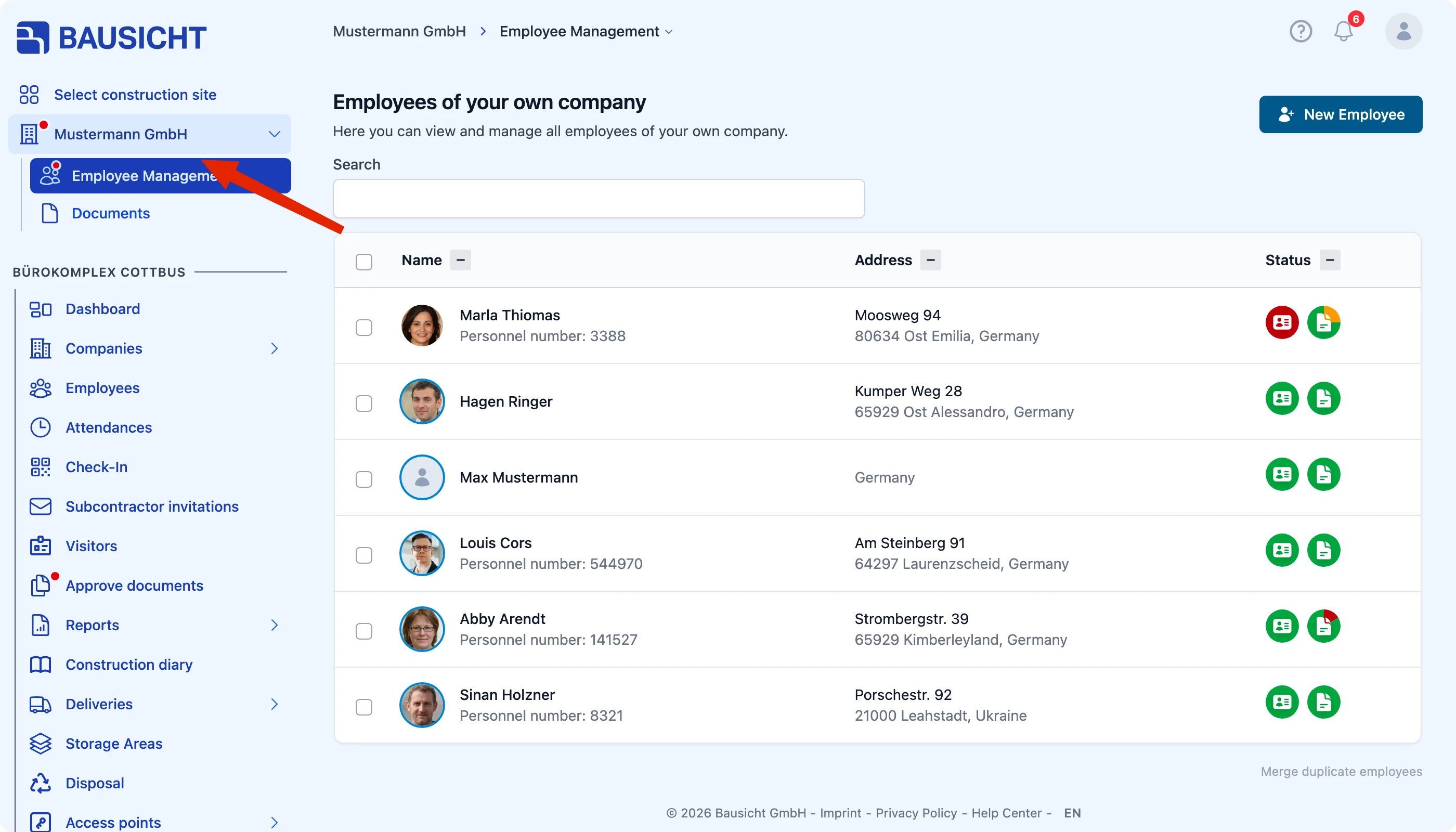
You will find the people from your own company in the Employee management of your own company. Open it via Employee management under the company name at the top of the left sidebar.
Unarchiving
Archived employees can be unarchived again at any time if needed. This gives the person platform access again and they start receiving emails once more.
Recognising archived employees
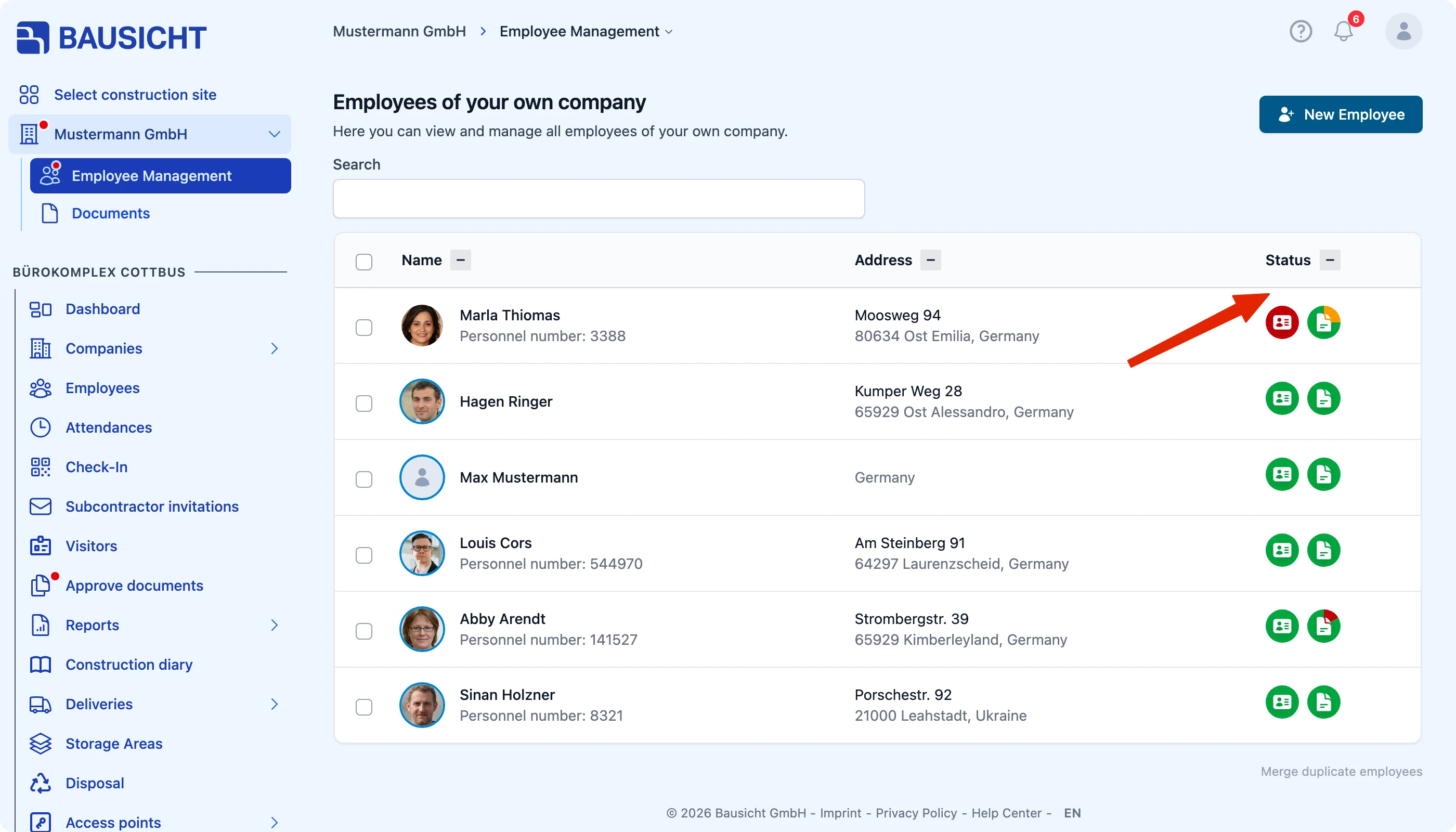
Archived people are hidden in the overview at first. Switch on Show archived employees at the top right to show them in the list: with an archive icon next to the name and greyed-out status icons.
Archiving and removing
The steps for archiving employees of your company are linked above. Access to a single construction site, on the other hand, is revoked on the site itself:
Need further help?
If you need further assistance, our support team is happy to help.