
More articles and topics
Booking a storage area directly from a delivery
- Where to find it
- Logistics → open delivery → Book storage area
- How to check the result
- The storage-area booking is created directly from the open delivery.
Quick answer
Open Deliveries → Bookings, click the delivery, switch to the Storage area bookings tab and click New storage area booking. Right after you create a delivery, Bausicht also asks whether you want to book a storage area for it.
You can book a storage area directly from a delivery booking – without any detours. This lets you plan the delivery and the required storage area in a single step.
How to book a storage area for a delivery
Open Deliveries → Bookings and click the delivery.
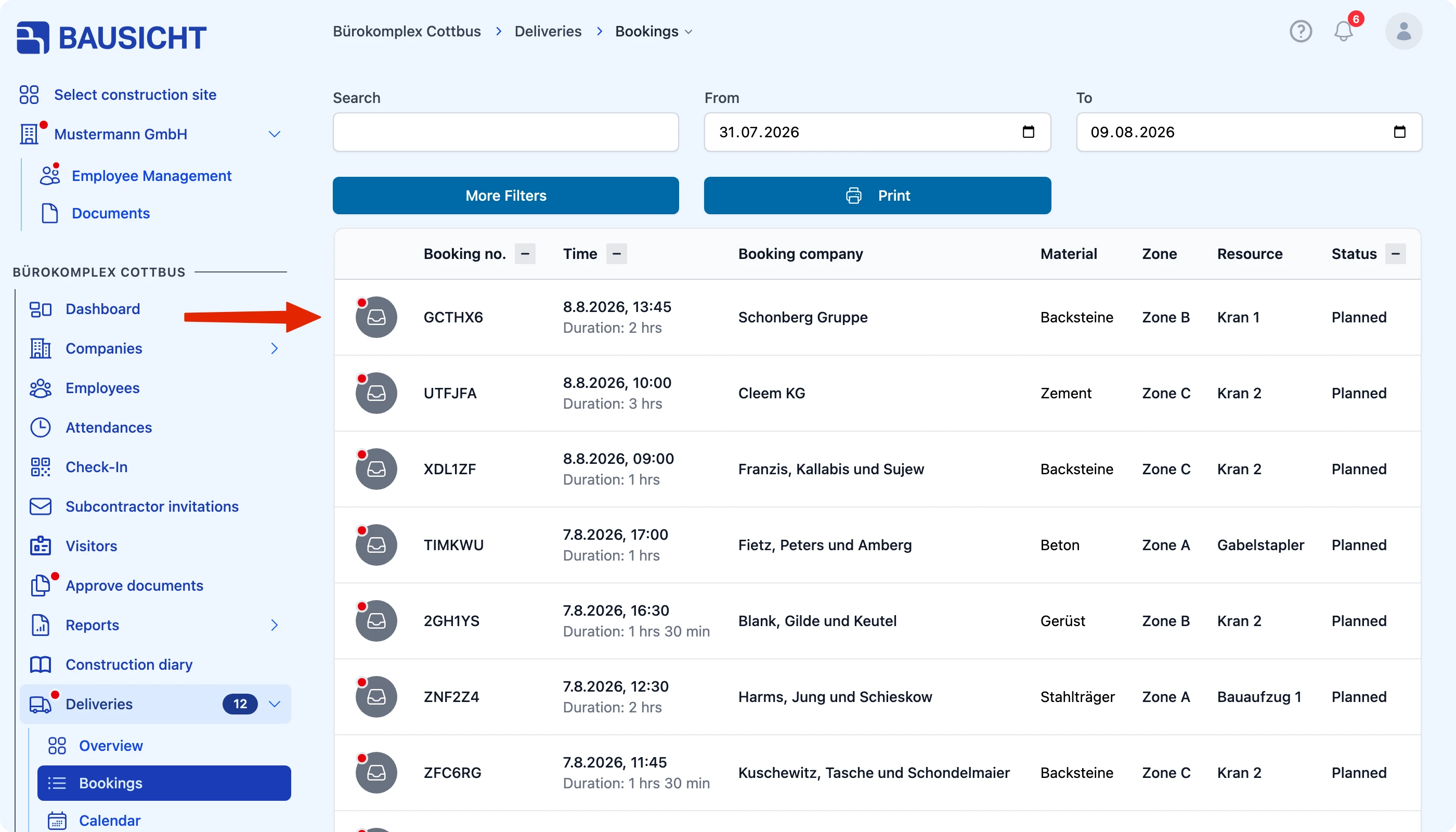
Switch to the Storage area bookings tab and click New storage area booking.
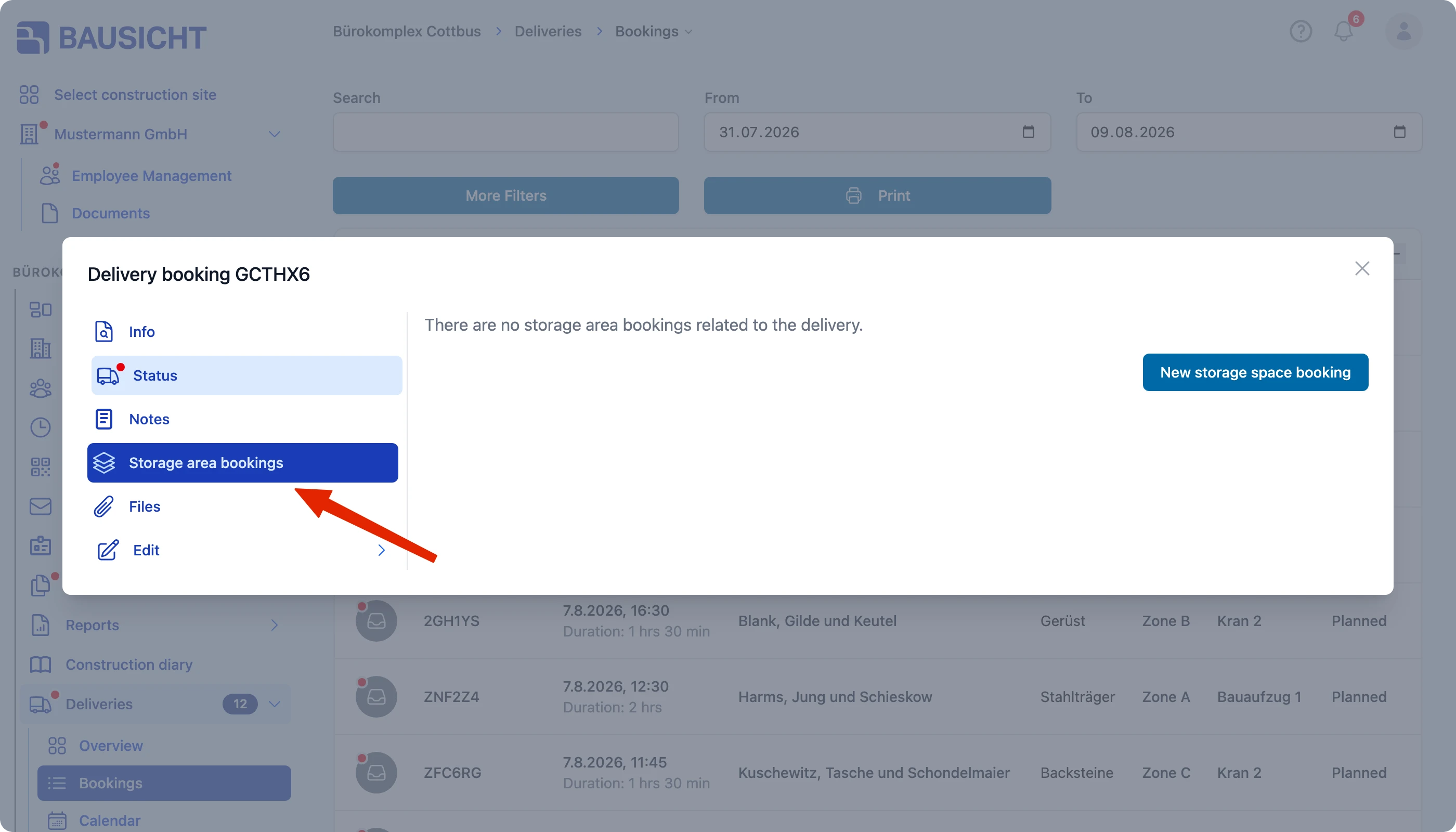
The storage area booking is then linked to the delivery.
Directly when creating a delivery
After you create a new delivery, Bausicht asks whether you want to book a storage area for it. Click Book storage area to create the storage area booking right away.
Need further help?
If you need further assistance, our support team is happy to help.