
More articles and topics
How do I create a visitor badge?
- Before you start
- A construction site role with the Can create visitor cards permission
- Where to find it
- Visitors → Create new visitor access card
On this page
Quick answer
With the Can create visitor cards. permission, open Visitors, click New visitor card in the top right, enter a name, select the access areas and confirm with Create. Names such as “Visitor 1” or “Visitor 2” make the physical cards easier to reuse later.
Requirements
On the construction site, you need a role with the permission Can create visitor cards.
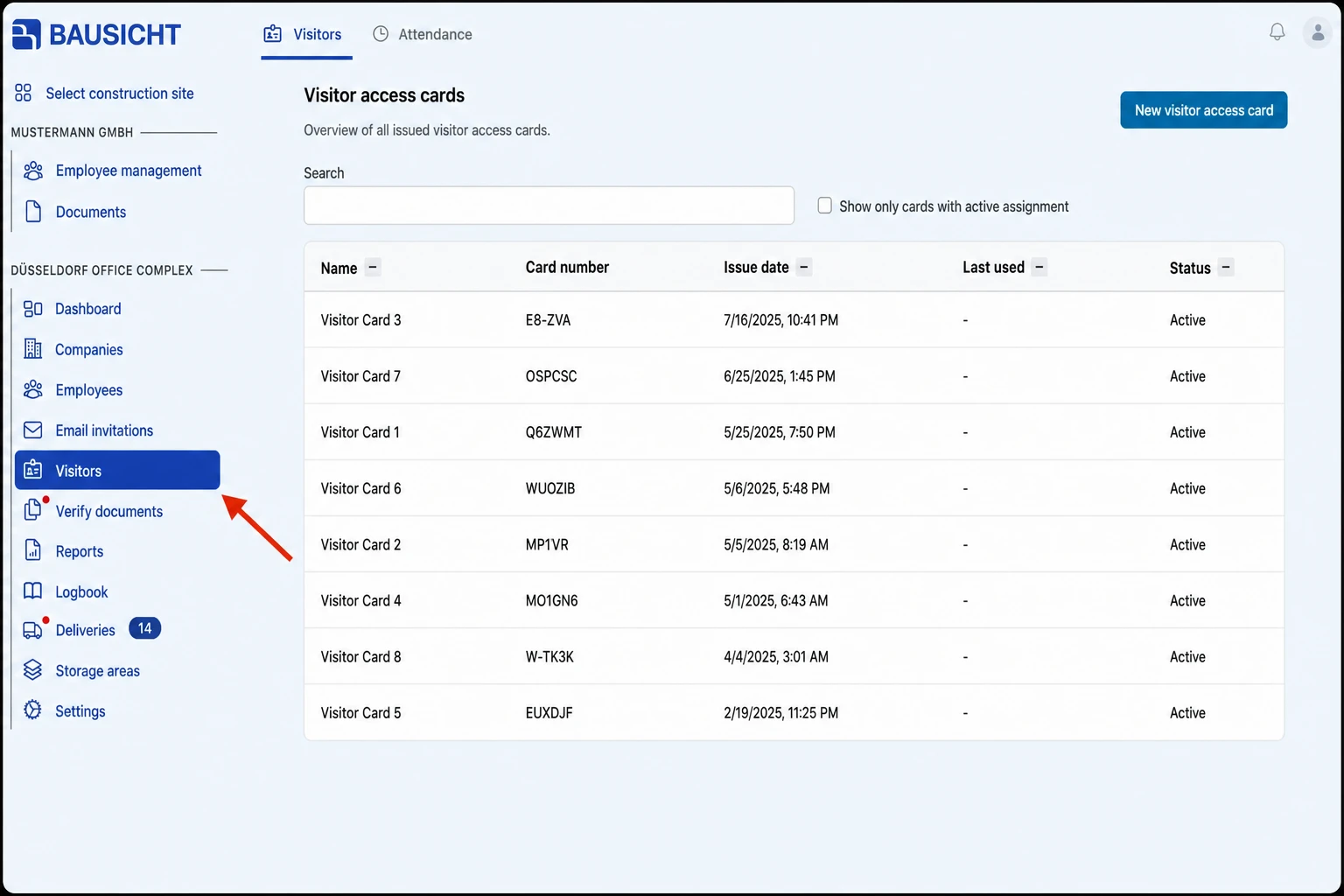
Step 1: Open “Visitors” in the left navigation
Navigate to the “Visitors” section in the left navigation.
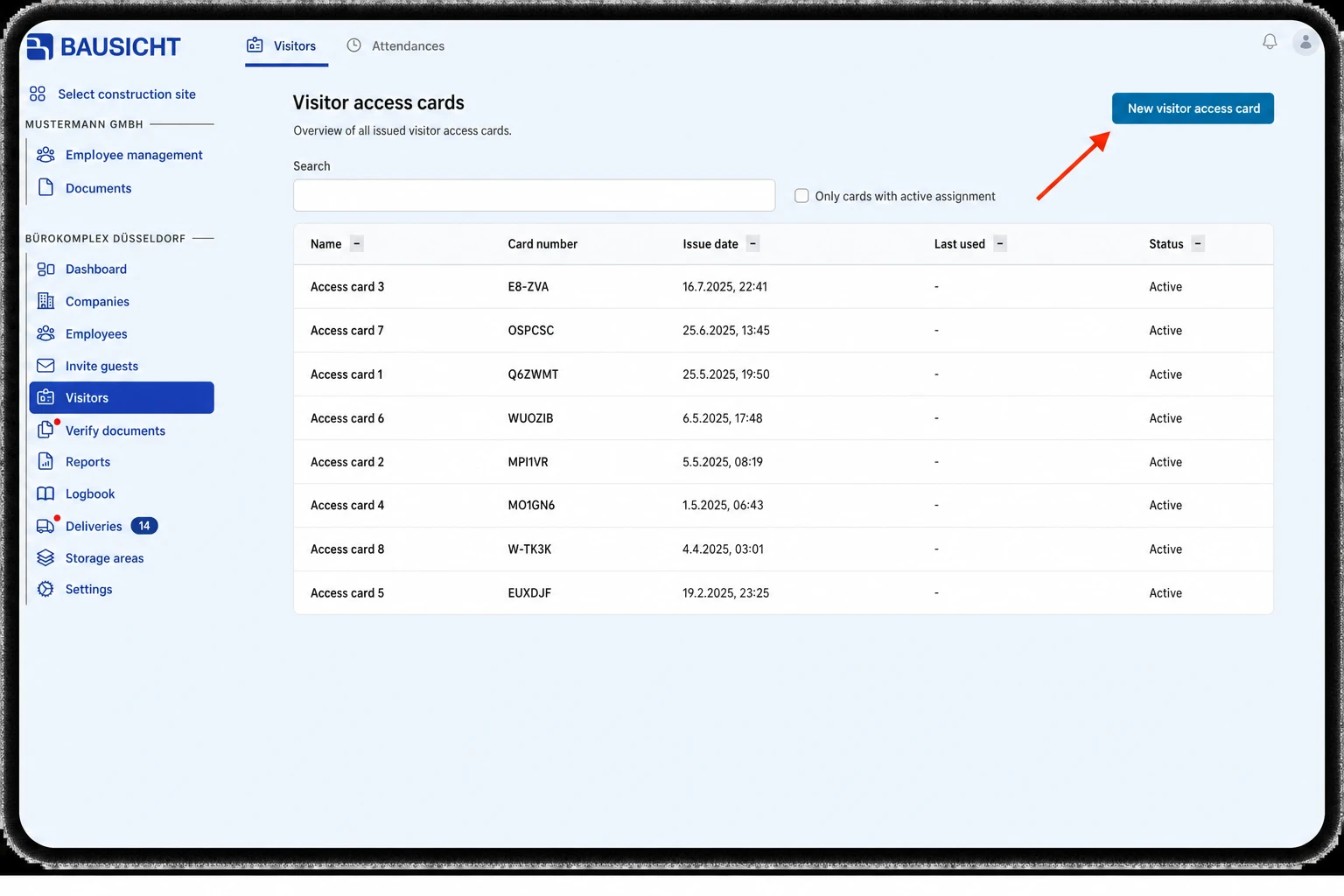
Step 2: Click “New visitor card”
Click the “New visitor card” button in the top right corner.
Step 3: Create the visitor card
In the Create visitor card dialog, enter a Name and, under Select access areas, choose the areas the card should open; all areas are selected by default. Under More options, you can also enter Company and Role; both are printed on the card and are optional. Then click Create.
Step 4: Print and activate the visitor card
With the Can directly print access cards for employees. permission, the print dialog opens directly after the card is created; otherwise, open the card in the list and choose Download access card.
A new visitor card has the status Not yet activated and is only recognised by card readers after activation. With the Can activate access cards in the browser. permission, the Activate visitor card dialog opens after the card is created: hold the card against the connected card reader. To activate the card later, open it in the list and choose Activate access card.
Card management tip
We recommend naming the cards ‘Visitor 1’, ‘Visitor 2’, … so the cards can be reused. They can then be assigned to different visitors.
This naming convention allows you to use the physical cards multiple times.
Need further help?
If you need further assistance creating visitor badges, our support team is happy to help.