
More articles and topics
Deleting or moving access points (turnstiles, barriers, doors)
- Where to find it
- Access points → access point → Edit → Move & delete
- How to check the result
- The access point is moved to the selected construction site or permanently deleted; a deleted access point cannot be restored.
On this page
Turnstiles, barriers and doors are managed in Bausicht as access points. You can now delete these yourself directly in Bausicht or move them to another construction site. Previously, this required a request to support.
Quick answer
| Step | Description |
|---|---|
| 1 | Open the Access points area |
| 2 | Select the desired access point |
| 3 | Click Edit |
| 4 | Choose Move & Delete and perform the desired action |
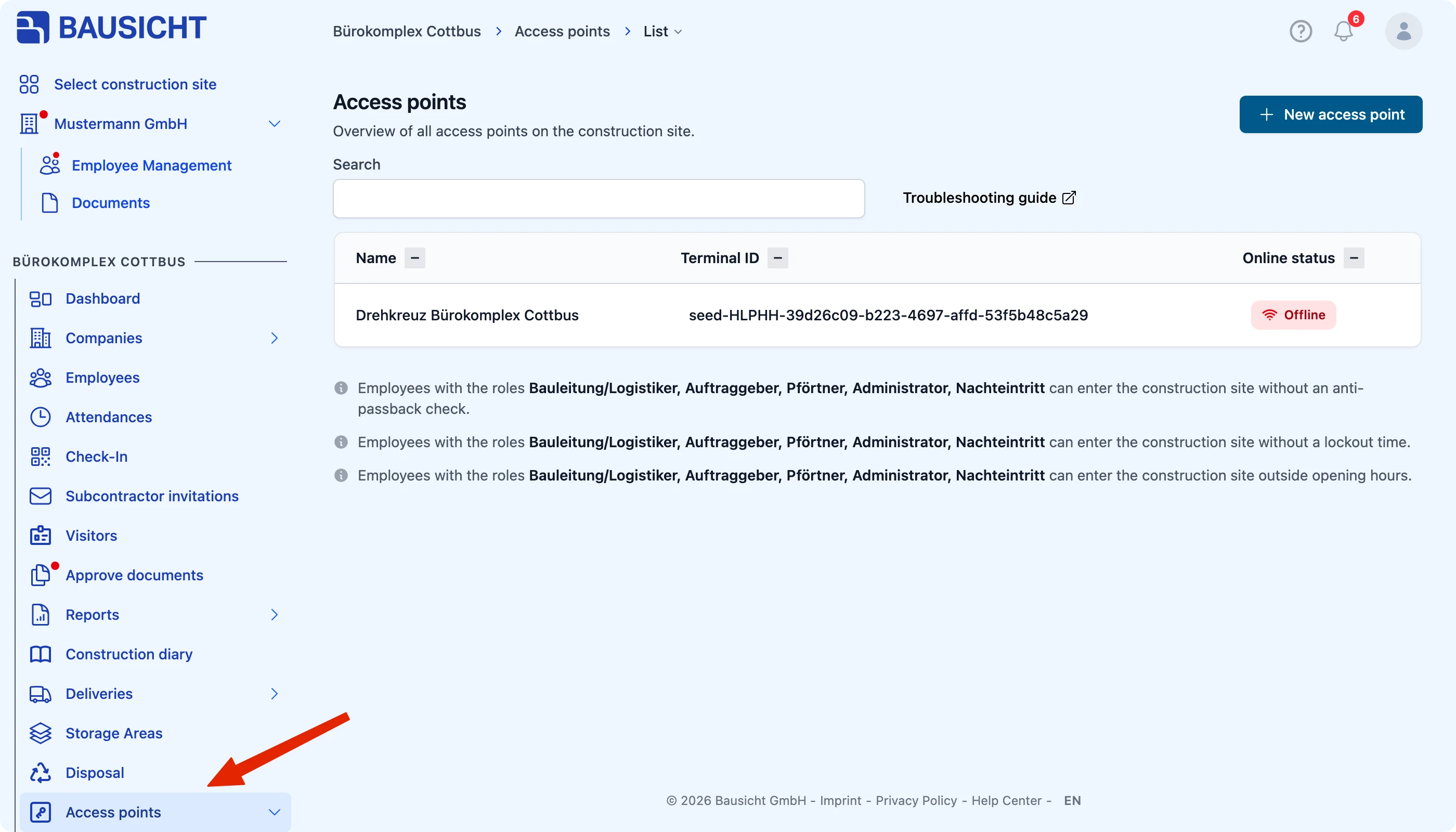
Step 1: Open the Access points area
Navigate to the Access points area.
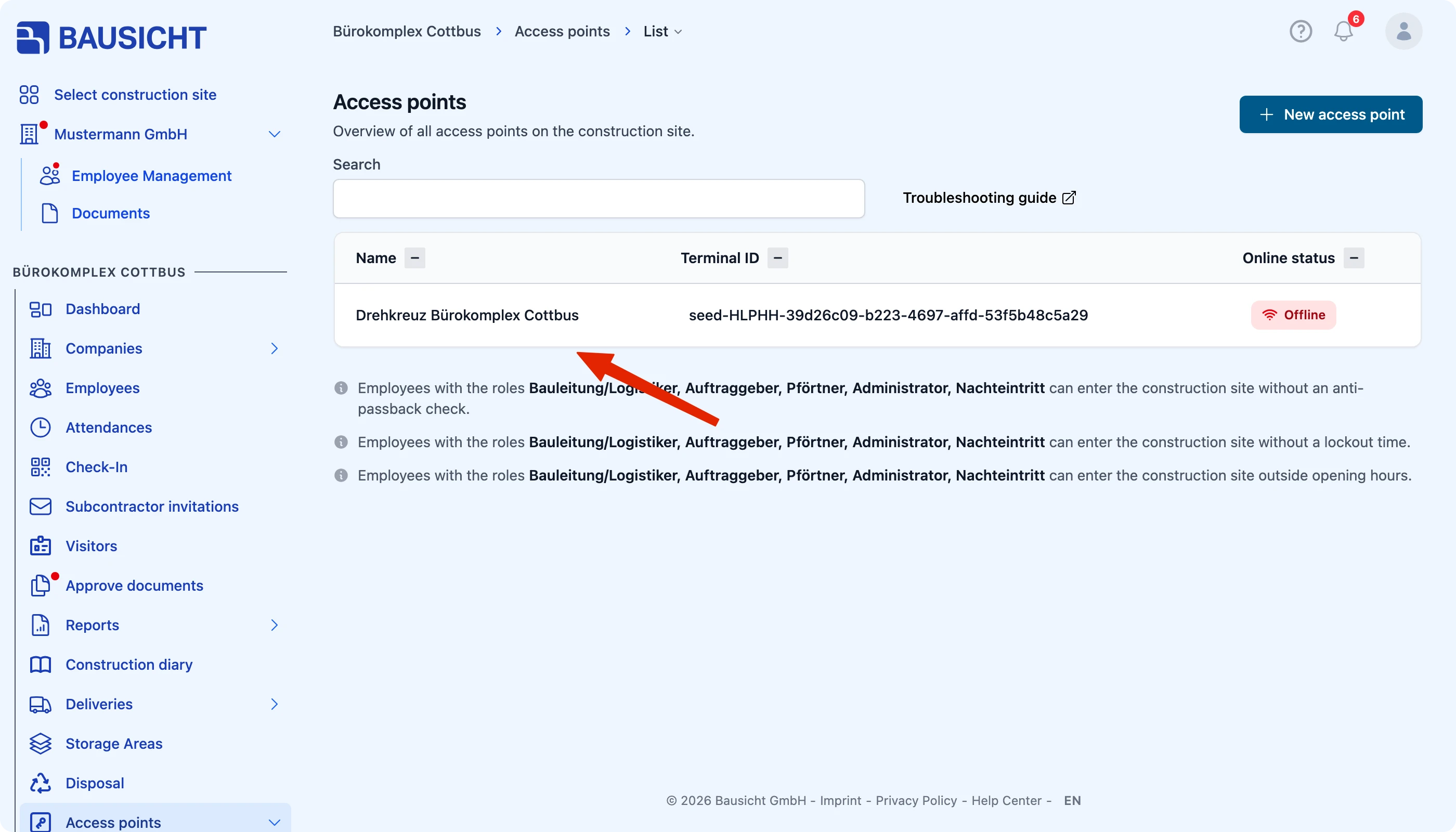
Step 2: Select the desired access point
Select the turnstile, barrier or door that you want to delete or move.
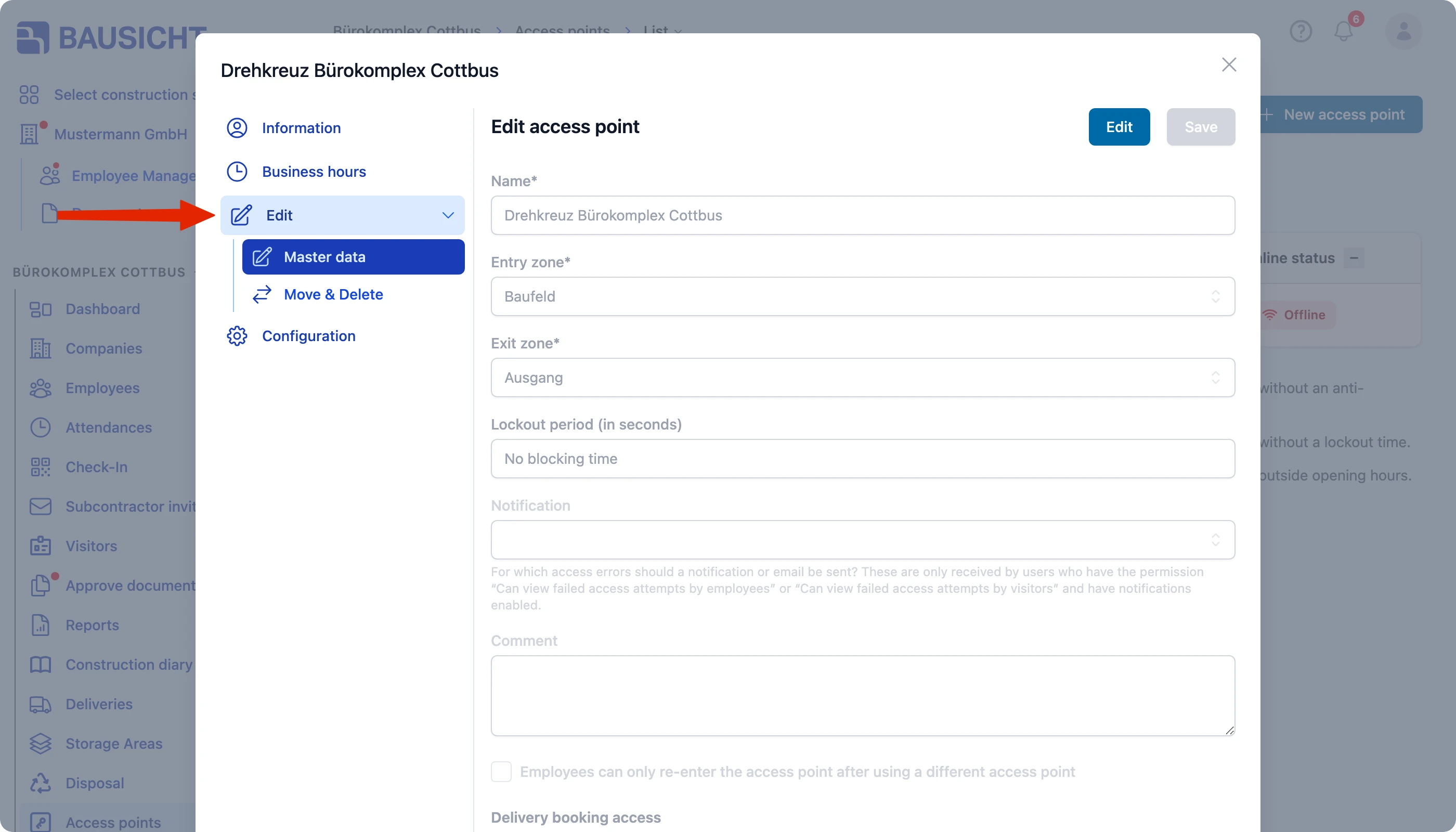
Step 3: Click Edit
Use Edit to open the editing view of the access point.
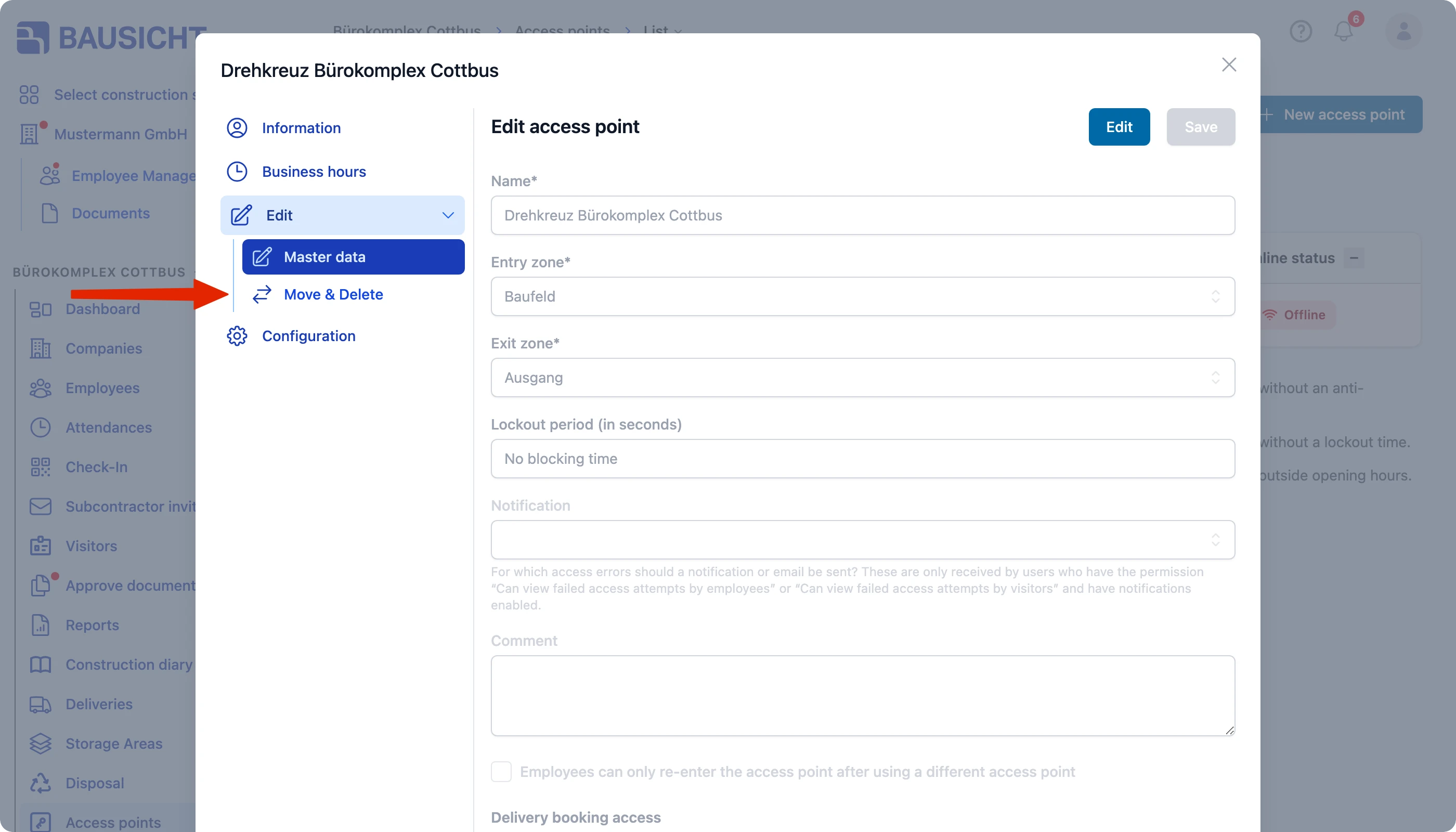
Step 4: Choose Move & Delete
Select the Move & Delete area and perform the desired action. If you are only allowed to perform one of the two actions, the area is named Move or Delete accordingly.
- Move: Transfer the access point to another construction site.
- Delete: Permanently remove the access point from Bausicht.
Please proceed carefully when deleting: a deleted access point cannot be restored. If you are unsure, move the access point to the appropriate construction site instead of deleting it.
Need further help?
If you need further assistance, our support team is happy to help.