
More articles and topics
Print configurator for delivery bookings
- Where to find it
- Deliveries → Bookings → gear icon next to Print
- How to check the result
- The printout contains the booking details selected in the configurator.
Quick answer
Open Deliveries → Bookings and click Print. In the Print dialog, select which columns appear on the printout and start printing.
You can decide for yourself which details appear on the printout of the delivery bookings. This way the printout contains exactly the information you need – and nothing superfluous.
Which columns can you select?
In the Print dialog, you can switch these columns on or off:
- Time
- Booking company
- Local recipient
- Material
- Zone
- Lifting equipment
- Type of vehicle
- Notes
- Status
How to print the bookings
In the left-hand navigation, open Deliveries → Bookings.
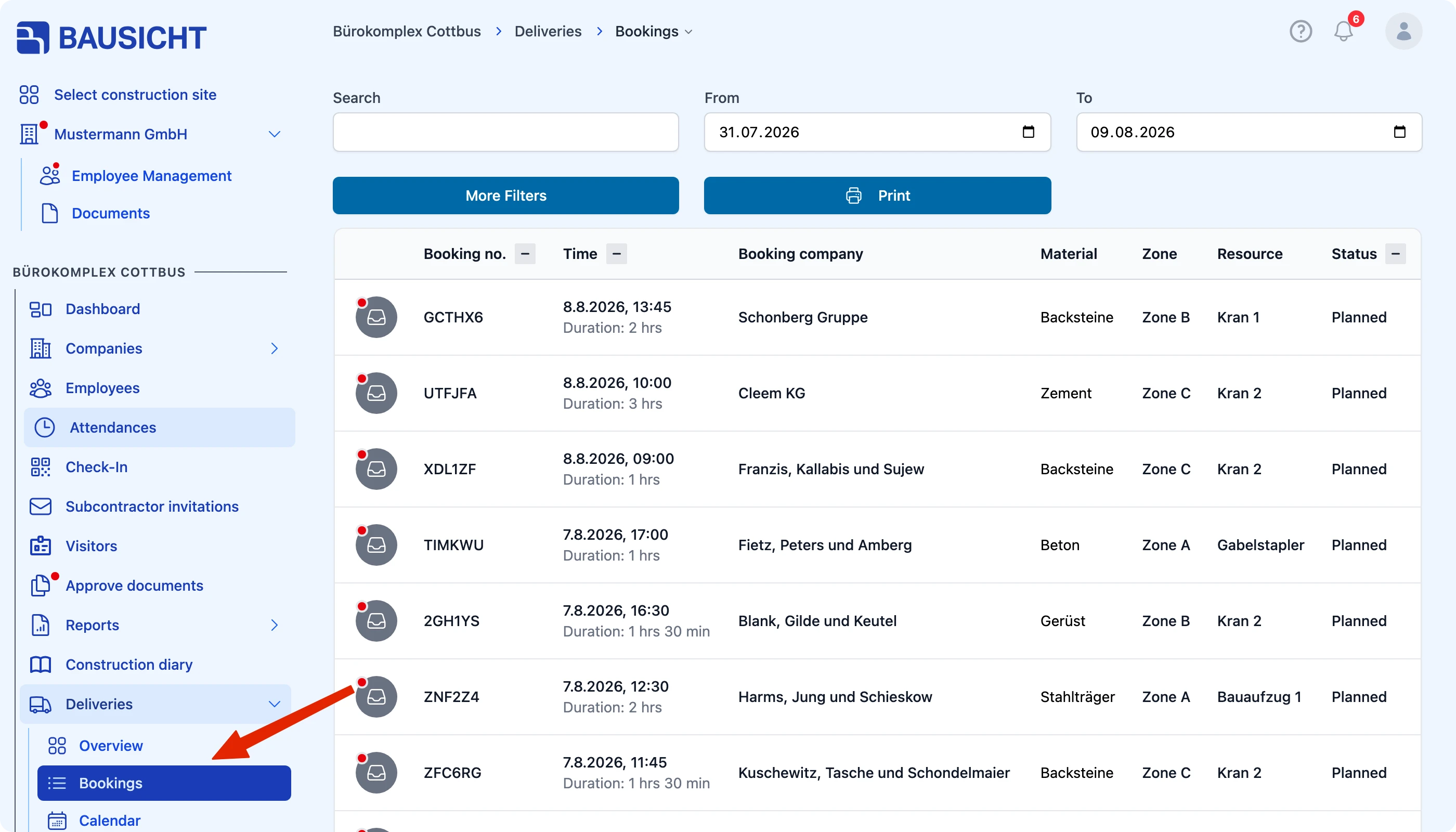
Click Print.
In the Print dialog, select the columns that should appear on the printout and click Print.
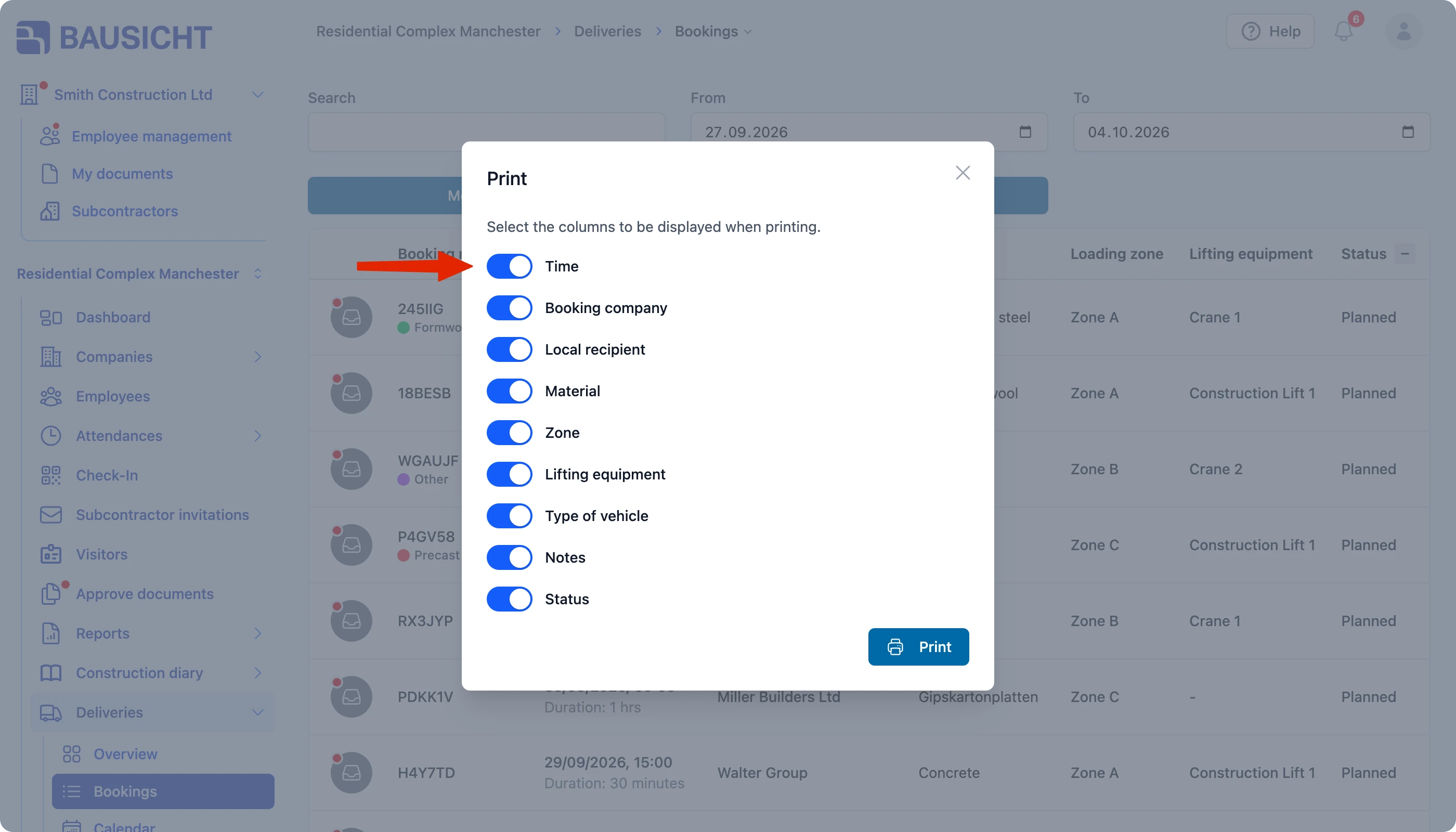
The printout then contains exactly the selected columns.
Need further help?
If you need further assistance, our support team is happy to help.