
More articles and topics
Traffic-light status, sorting and filters for documents & safety briefings
- Where to find it
- Companies → Subcontractors or Companies → Employees
- How to check the result
- The traffic-light status, sorting and filters show which companies or people are missing documents or safety briefings.
On this page
Quick answer
Open Companies → List or Employees. The traffic-light status shows the document and safety briefing status; use status sorting, filters and individually removable filter chips to narrow the list to urgent cases.
In the company and employee lists, a traffic-light status shows you at a glance whether all documents and safety briefings are present or whether individual items are missing. Combined with new sorting and sharper filter logic, you can see at a glance where follow-up is most urgent.
You can find the feature under Companies → List or Employees.
The traffic-light status
The traffic-light status gives you an at-a-glance overview in the list of the document and safety briefing status of a company or an employee. This way you immediately see whether all required records are present or whether something is still missing, without having to open each entry individually.
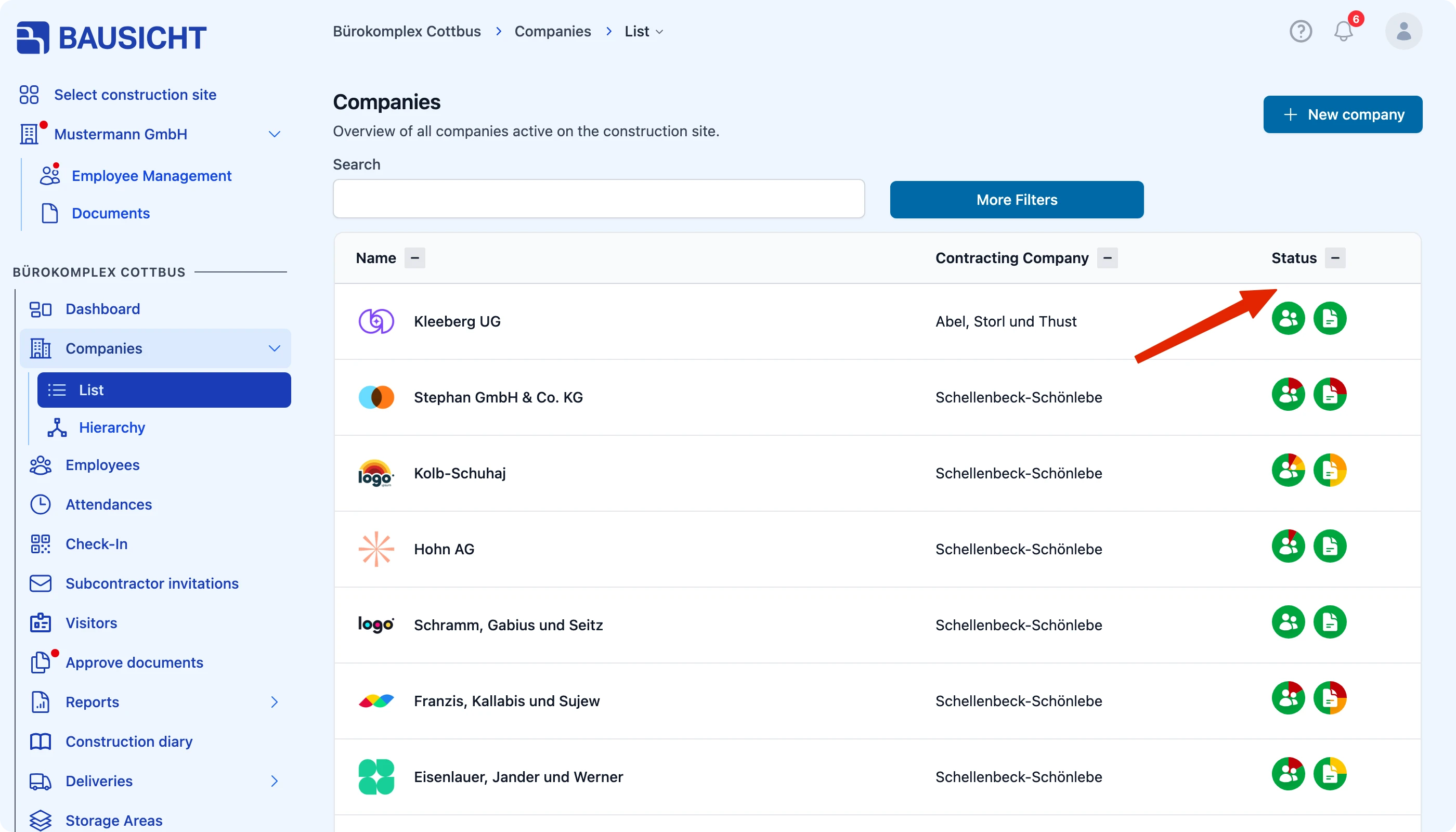
Missing required information has a separate indicator
A yellow-orange border around the profile picture or company logo indicates missing required information, such as an email address. The corresponding Mandatory employee details or Mandatory company details status must be enabled under Settings → General → Status display, and your role must have permission to view the status display. The tooltip lists the missing fields.
Use More filters → Only with missing required information for this purpose. The missing-documents filter does not check these profile details. See Configure and check required information.
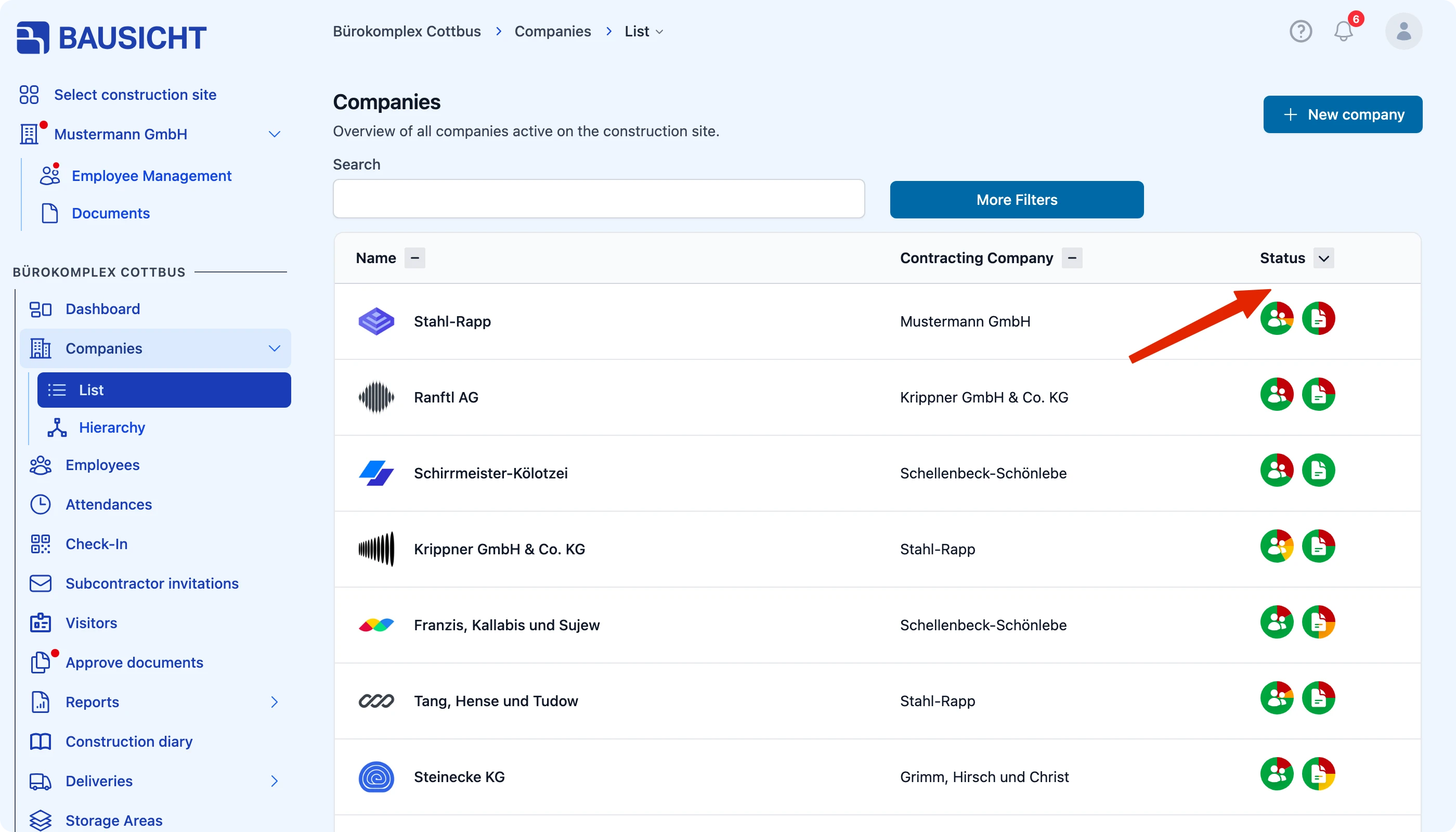
Sorting by status
The company list can be sorted by status: the most urgent companies appear first. This means you do not have to search through the entire list; instead you immediately see where action is needed and where follow-up should be requested first.
Sharper filters
The filters have been renamed and made more precise. This lets you narrow down the list more specifically and find exactly the companies or employees you are looking for more quickly.
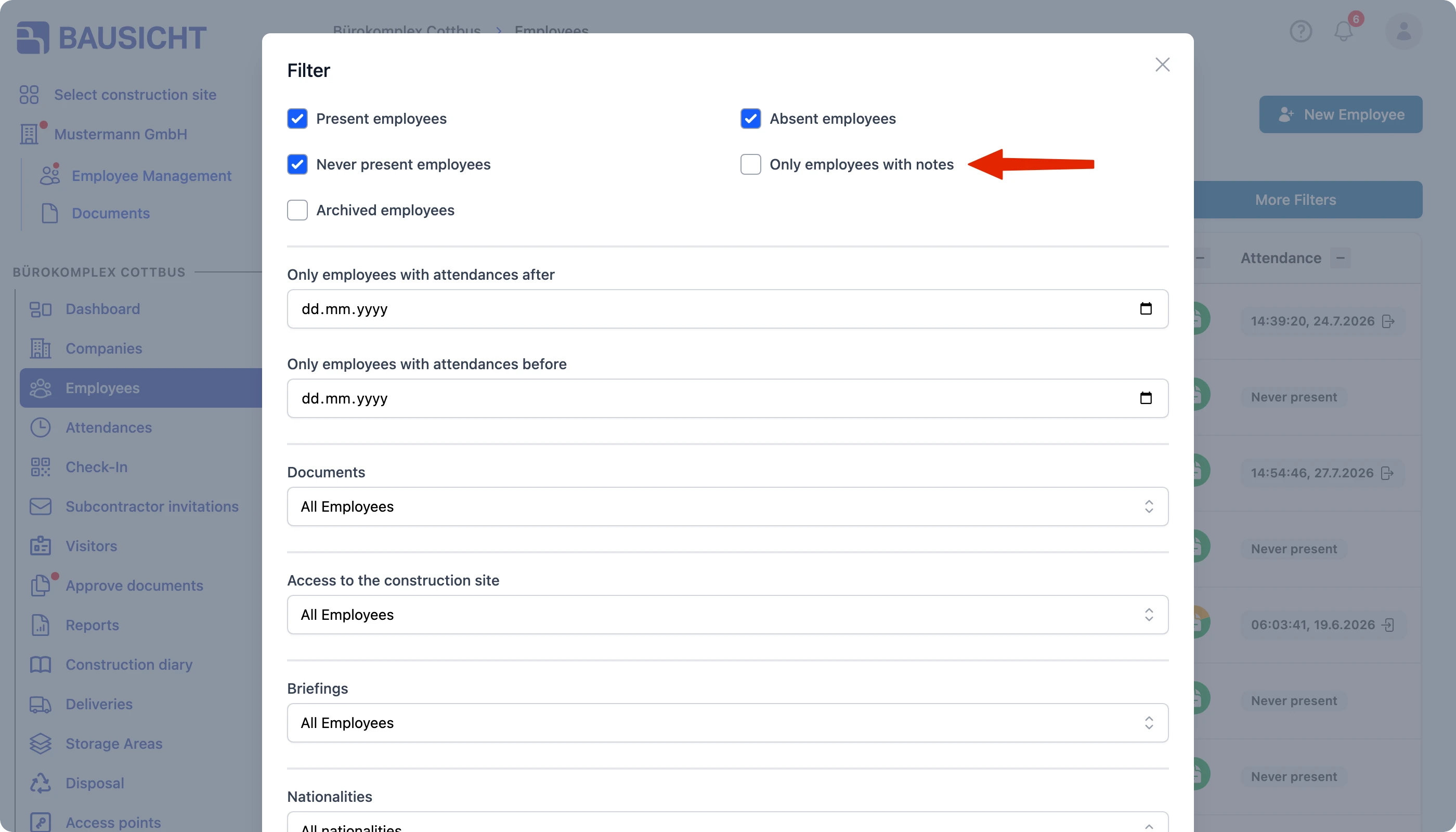
Active filter chips
Active filters appear as chips below the search bar. Each chip represents an active filter and can be deleted individually. This way you always keep track of which filters are currently set and can remove them again with a single click.
Need further help?
If you need further assistance, our support team is happy to help.