
More articles and topics
Importing companies and employees via Excel
- Before you start
- The permission Kann Unternehmen und Mitarbeitende per Excel-Import anlegen and the completed provided Excel template
- Where to find it
- Settings → Import
- How to check the result
- After the import, the imported companies and employees are available in Bausicht.
On this page
You can import companies and employees into Bausicht directly via an Excel file. This is especially helpful when you want to create a lot of master data at once instead of entering each record individually.
Quick answer
| Step | Description |
|---|---|
| 1 | Grant the permission “Can import companies and employees from Excel.”. |
| 2 | Download the Excel template from the import page and fill it in. |
| 3 | Reload Bausicht once (e.g. with F5). |
| 4 | Run the import under Settings → General → Excel import. |
Prerequisites
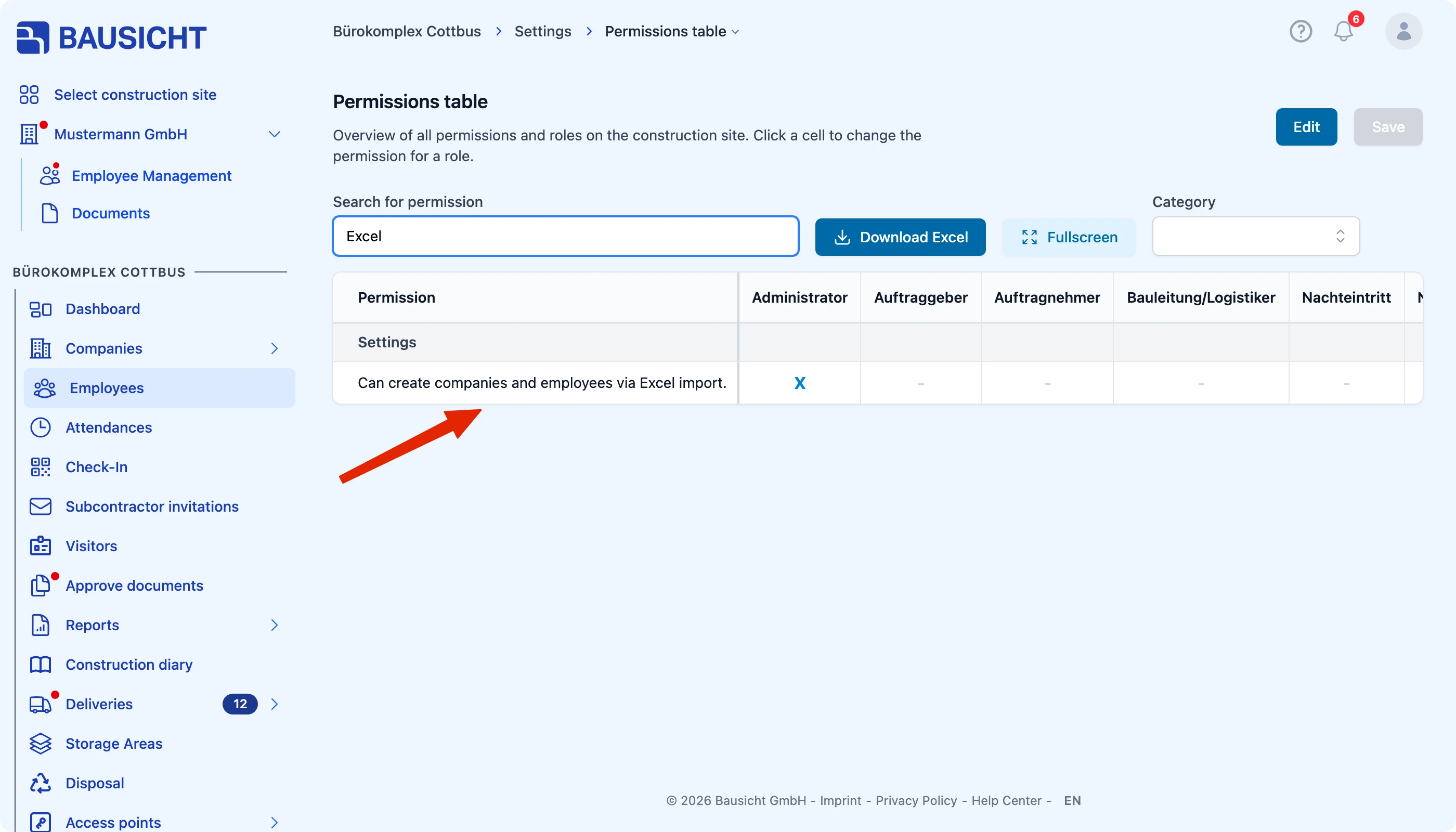
For the Excel import, the relevant user needs the permission “Can import companies and employees from Excel.”. You can find out how to grant permissions in the linked article above.
Step 1: Grant the permission
First, grant the permission “Can import companies and employees from Excel.” to the user who is to perform the import.
Step 2: Use the Excel template
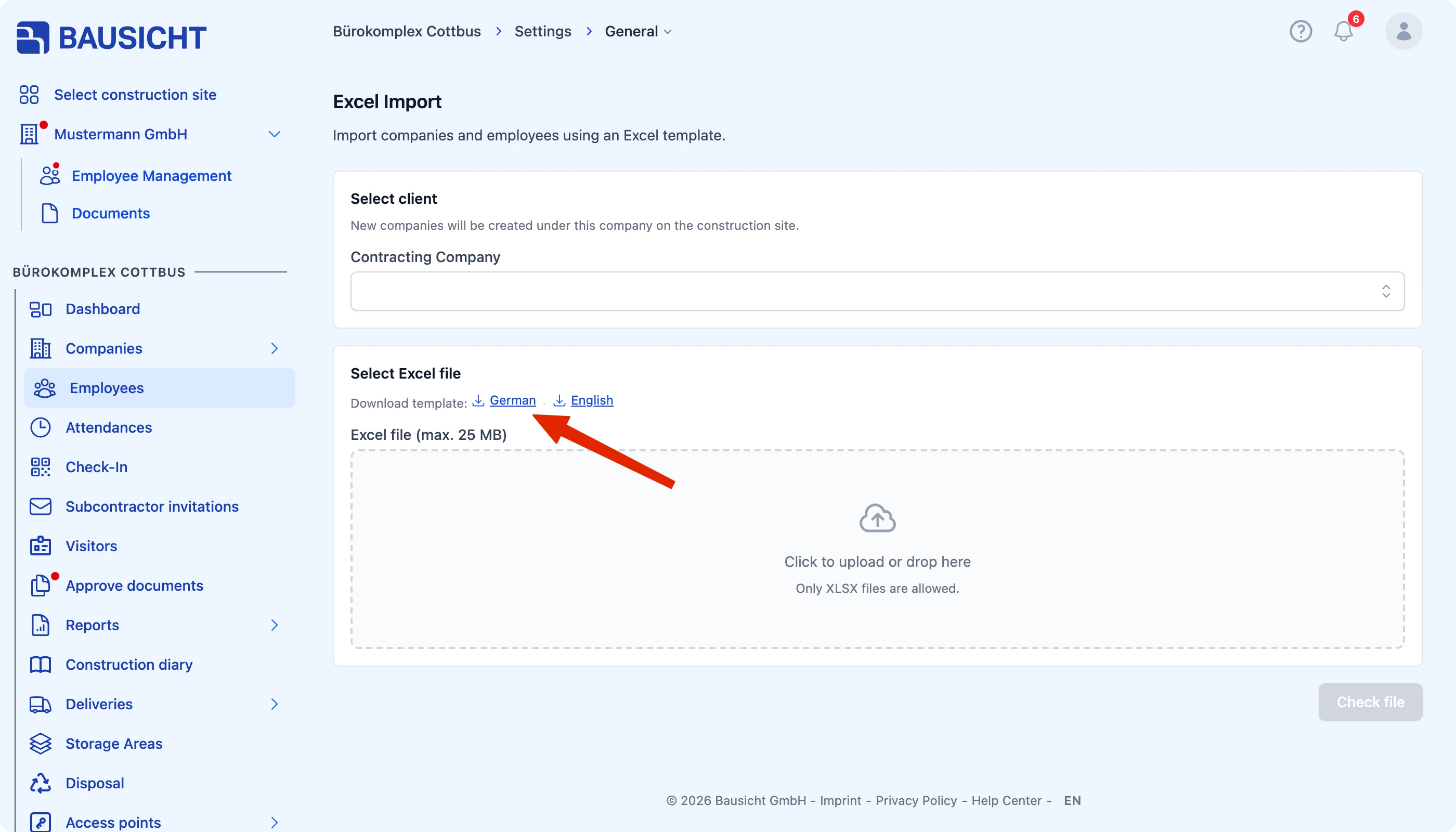
Important: The import requires the Excel template that you get on the import page via Download template (German or English). Enter your companies and employees directly into this template without changing its structure.
Step 3: Reload Bausicht
After the permission has been granted, the relevant user must reload Bausicht once, for example using the F5 key. Only then will the import function be available.
Step 4: Run the import
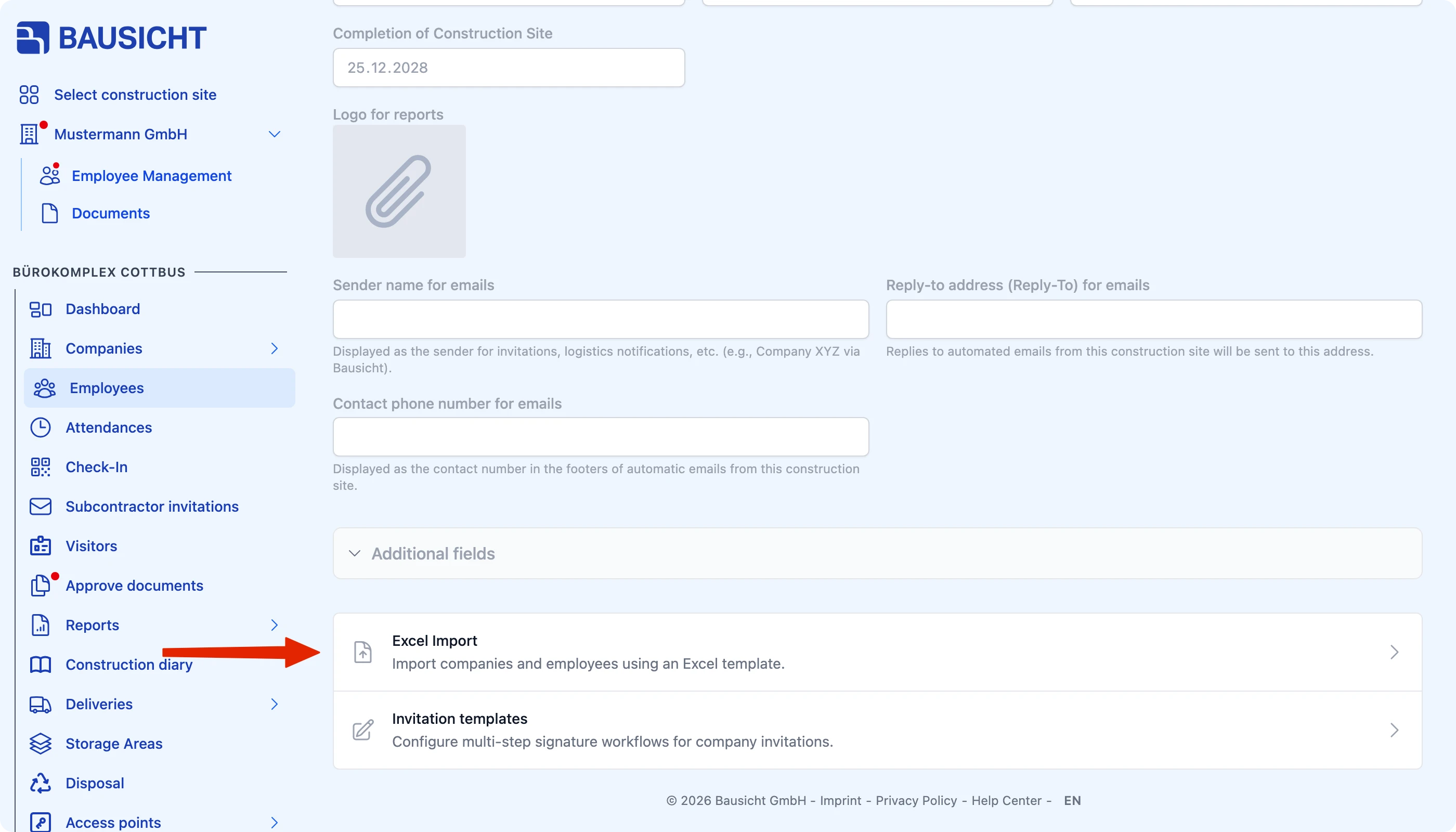
Then open Settings → General → Excel import. Select the client under which new companies are created, upload your completed template, click Check file and then Start import.
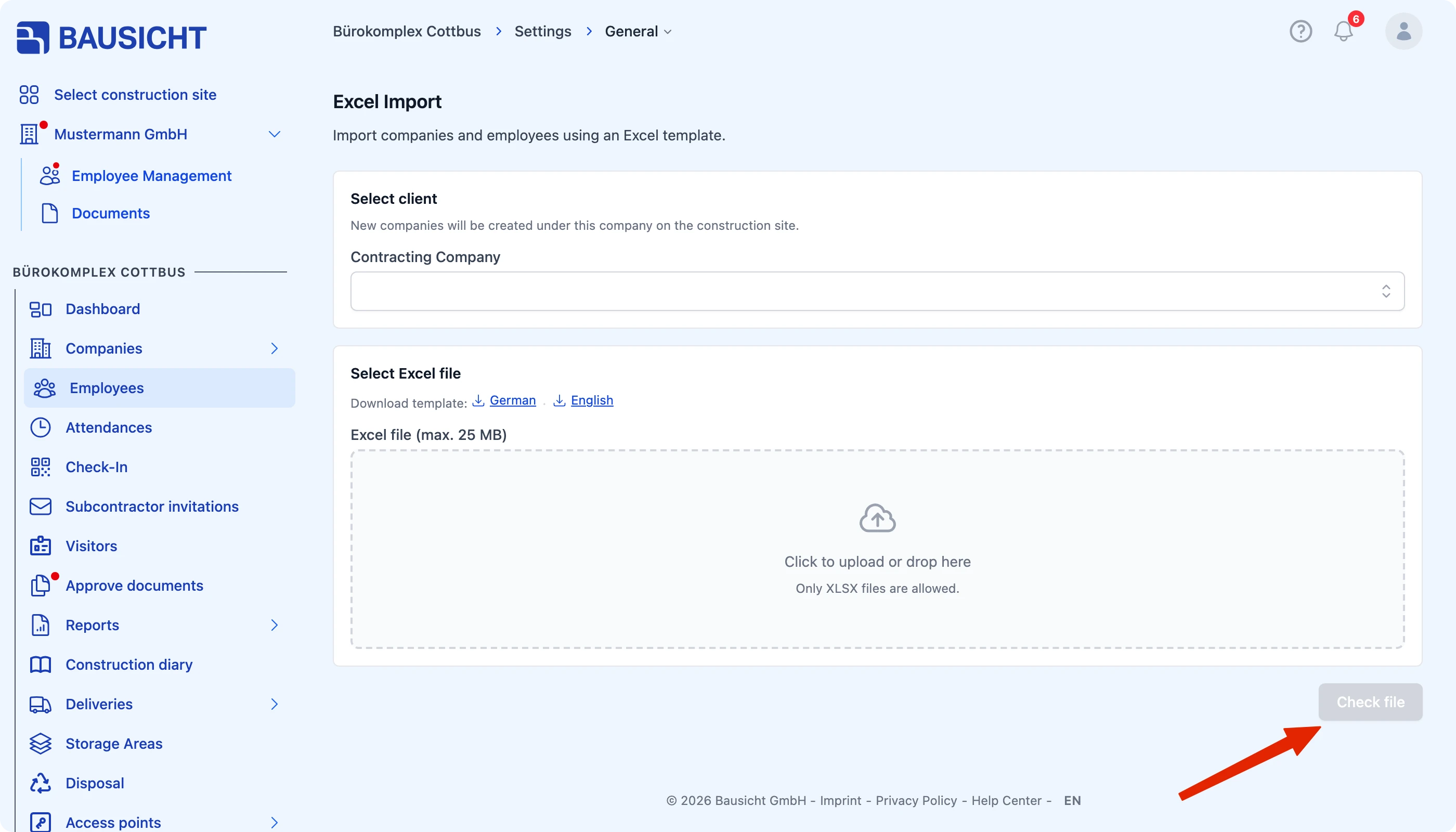
Use Invite in the Employees sheet to send construction site invitations at the same time; an email address is required. If the import creates a new company, invited people are invited as administrators of that company, provided their user account does not already belong to a different company. The import does not extend administrator rights for existing companies.
If you need support with your first import, please feel free to contact our support team.
Need further help?
If you need further assistance, our support team is happy to help.