
More articles and topics
Managing roles and permissions yourself
- Where to find it
- Settings → Permissions
- How to check the result
- The new or edited role is saved with its permissions; an existing role can also be deleted there.
On this page
You can now create, rename and delete your own roles and permissions. This lets you tailor access rights in Bausicht exactly to your needs – without having to involve support.
Quick answer
| Step | Description |
|---|---|
| 1 | Open Settings → Permissions (not Permissions table). |
| 2 | Click New role at the top right to add a role. |
| 3 | To edit or delete a role, simply click the existing role. |
Step 1: Open Permissions
Open Settings → Permissions.
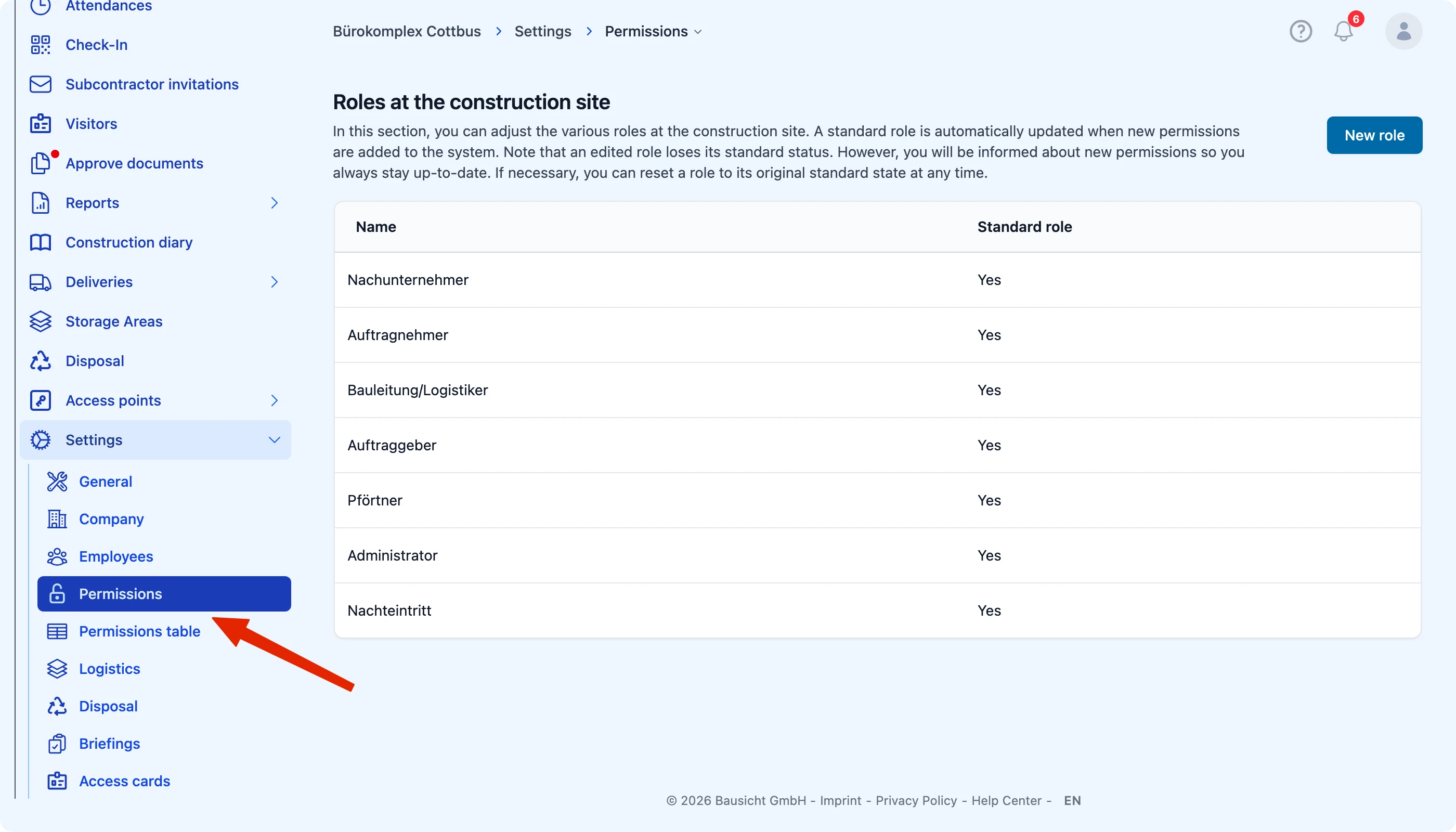
Important: Do not confuse this section with the Permissions table. Roles are managed exclusively under Permissions.
Step 2: Create a new role
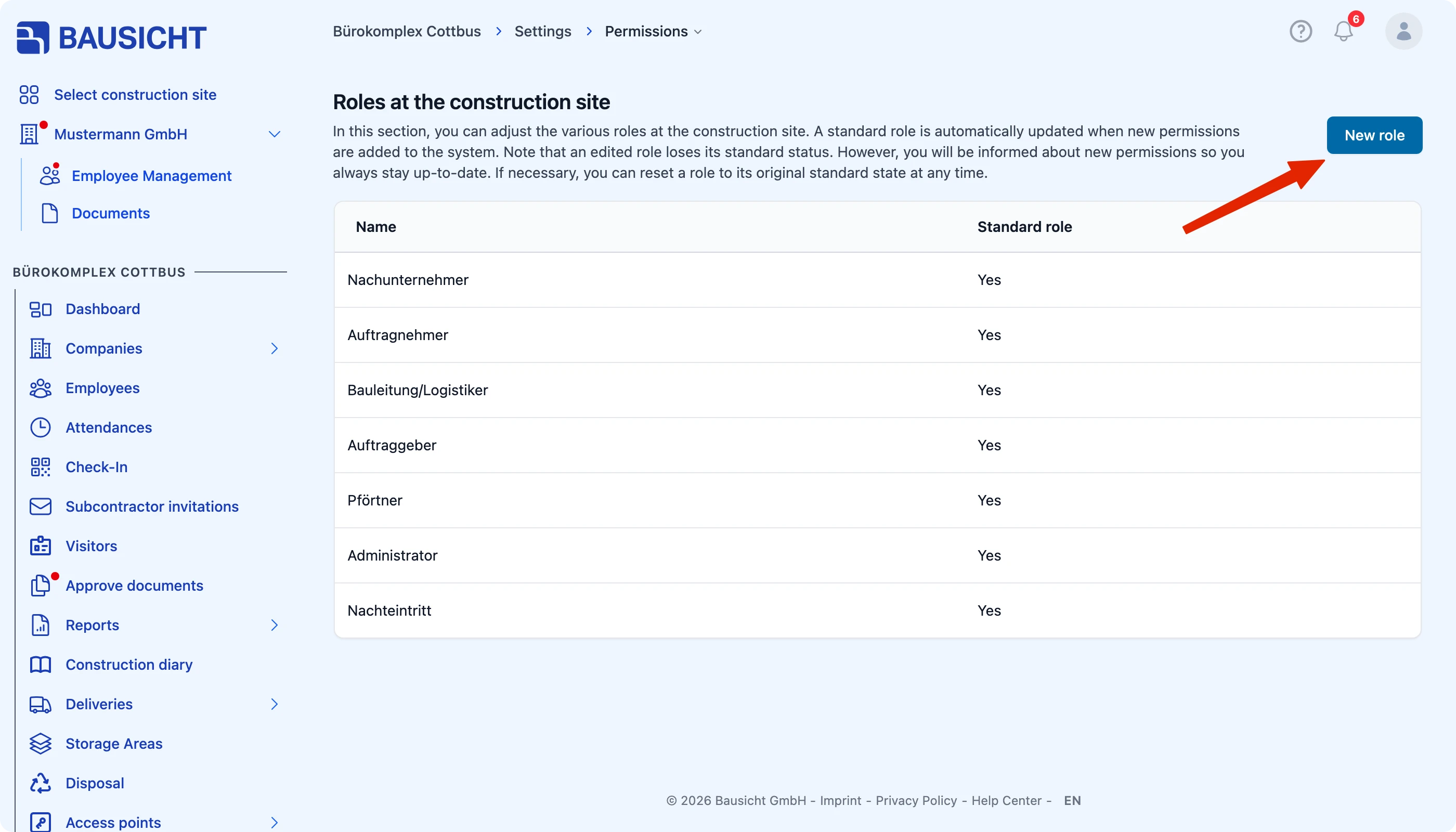
Click New role at the top right to add a new role or permission.
Step 3: Edit or delete a role
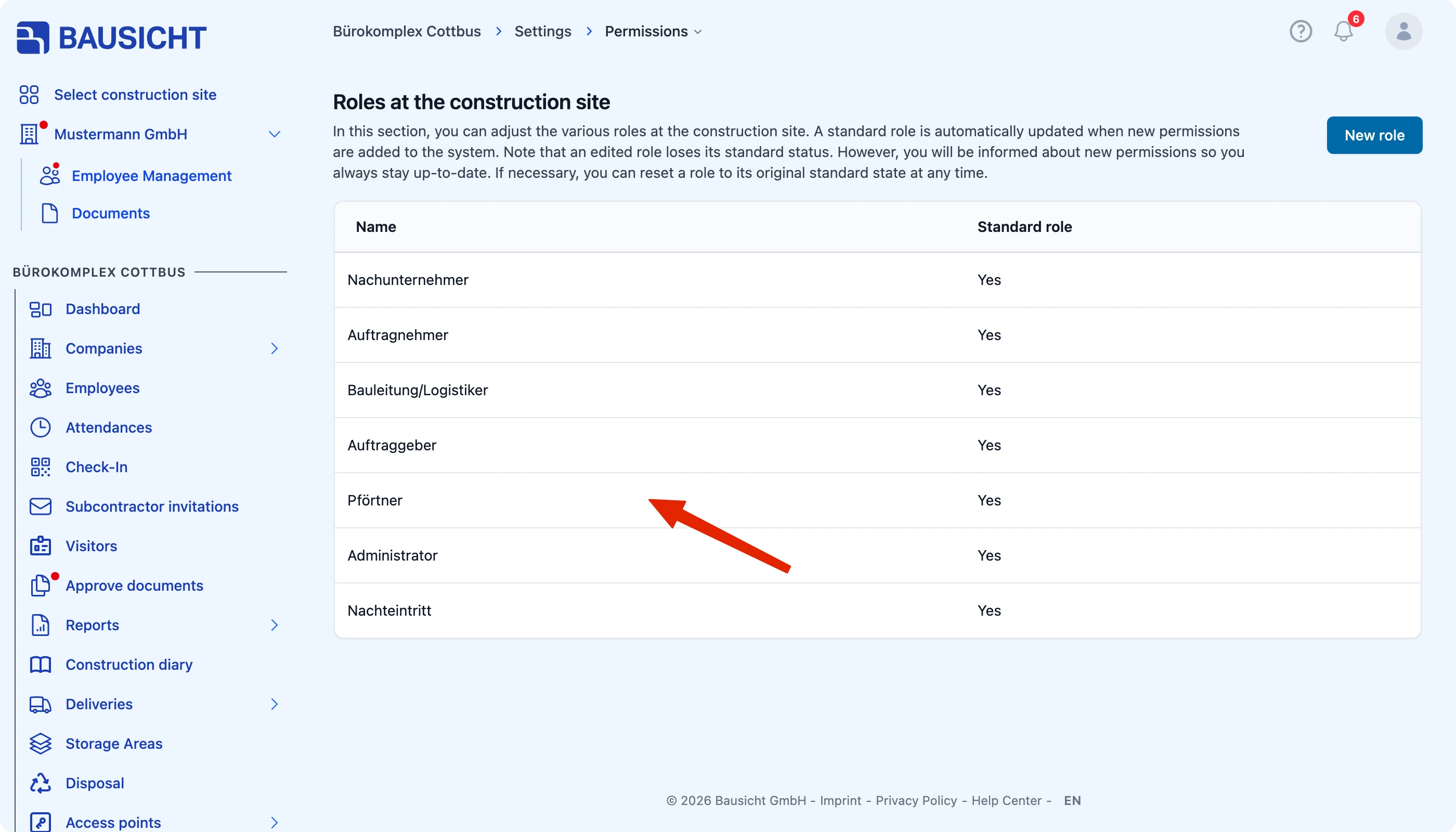
To rename or delete an existing role, simply click the relevant role in the list.
Need further help?
If you need further assistance, our support team is happy to help.