
More articles and topics
Visitor badges: time-limited validity, signature and company assignment
- Before you start
- A construction site role with the Can create visitor cards permission
- Where to find it
- Visitors → new or existing visitor card → Valid until
- How to check the result
- The badge is automatically locked on the day after the entered validity ends.
On this page
Quick answer
Under Visitors, open the visitor card, choose Set access expiry and enter a date and time under Access until. After this point in time, Bausicht automatically denies access with the badge; you can also add a signature and assign a company.
Visitor badges can be given an access expiry – for example until the end of tomorrow. Once it has passed, access with the badge is denied automatically. This means you do not have to block expired visitor badges manually.
Requirements
On the construction site, you need a role with the Can block visitor cards. permission.
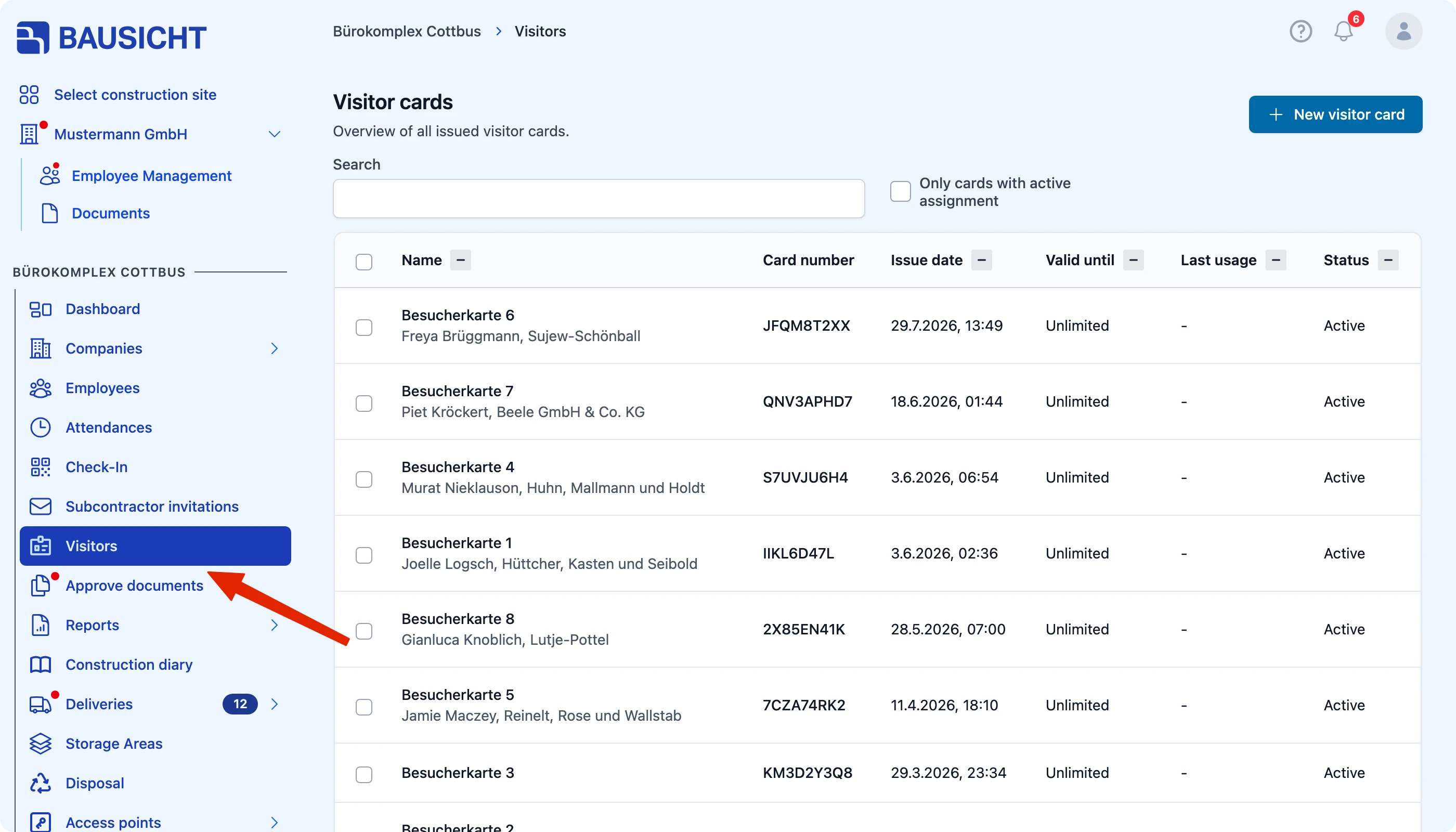
Step 1: Open “Visitors” in the left-hand navigation
There you will see all visitor cards for the construction site, including the “Valid until” column.
Step 2: Open the visitor card and set the access expiry
Click the visitor card in the list and choose Set access expiry. Enter a date and time under Access until or choose a preset such as End of today, End of tomorrow or One week, and click Save. To set the expiry for several cards at once, select them in the list and choose Set access expiry.
After the specified point in time, access with the badge is denied automatically. Use Edit access expiry to change the time and Remove access expiry to remove it.
Tip: Use the time-limited validity for visitors who only need access for a specific period. This keeps your overview of active badges up to date without any manual maintenance.
Further options
In addition to the time-limited validity, two more options are available for visitor badges:
- Add a signature: You can add a signature to a visitor badge.
- Assign a company: You can assign a visitor badge to a company.
Need further help?
If you need further assistance, our support team is happy to help.