
More articles and topics
Where do I find deleted company documents?
- Where to find it
- Under the user's company name → Documents → Deleted documents
- How to check the result
- The overview shows deleted company documents and can be searched.
When a company document is deleted, it disappears from the normal overview – but it remains traceable. The Deleted documents button shows you every removed company document of your business.
Quick answer
| Step | Description |
|---|---|
| 1 | Open My documents (under your company name or in the profile menu) |
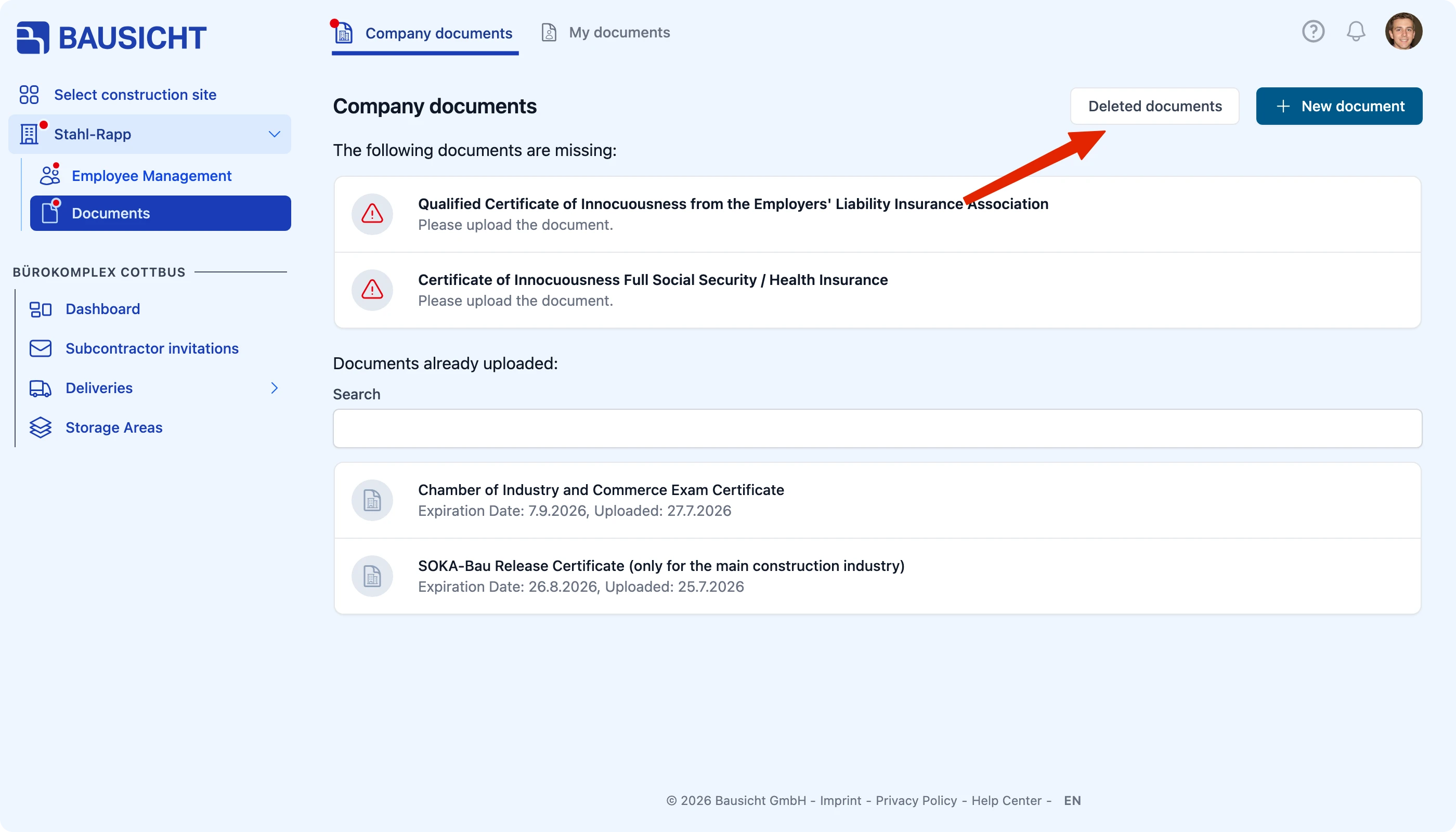
| 2 | Click Deleted documents at the top right |
| 3 | Browse the overview using the Search field |
Step 1: Open “Deleted documents”
Open My documents. My documents is listed under your company name in the left navigation if you are allowed to share company documents with construction sites – otherwise you will find it in the profile menu (your picture at the top right). You will find the Deleted documents button at the top right of the Company documents overview.
Step 2: Review the overview
The Deleted company documents view opens. The Search field helps you find a specific document even when there are many entries.
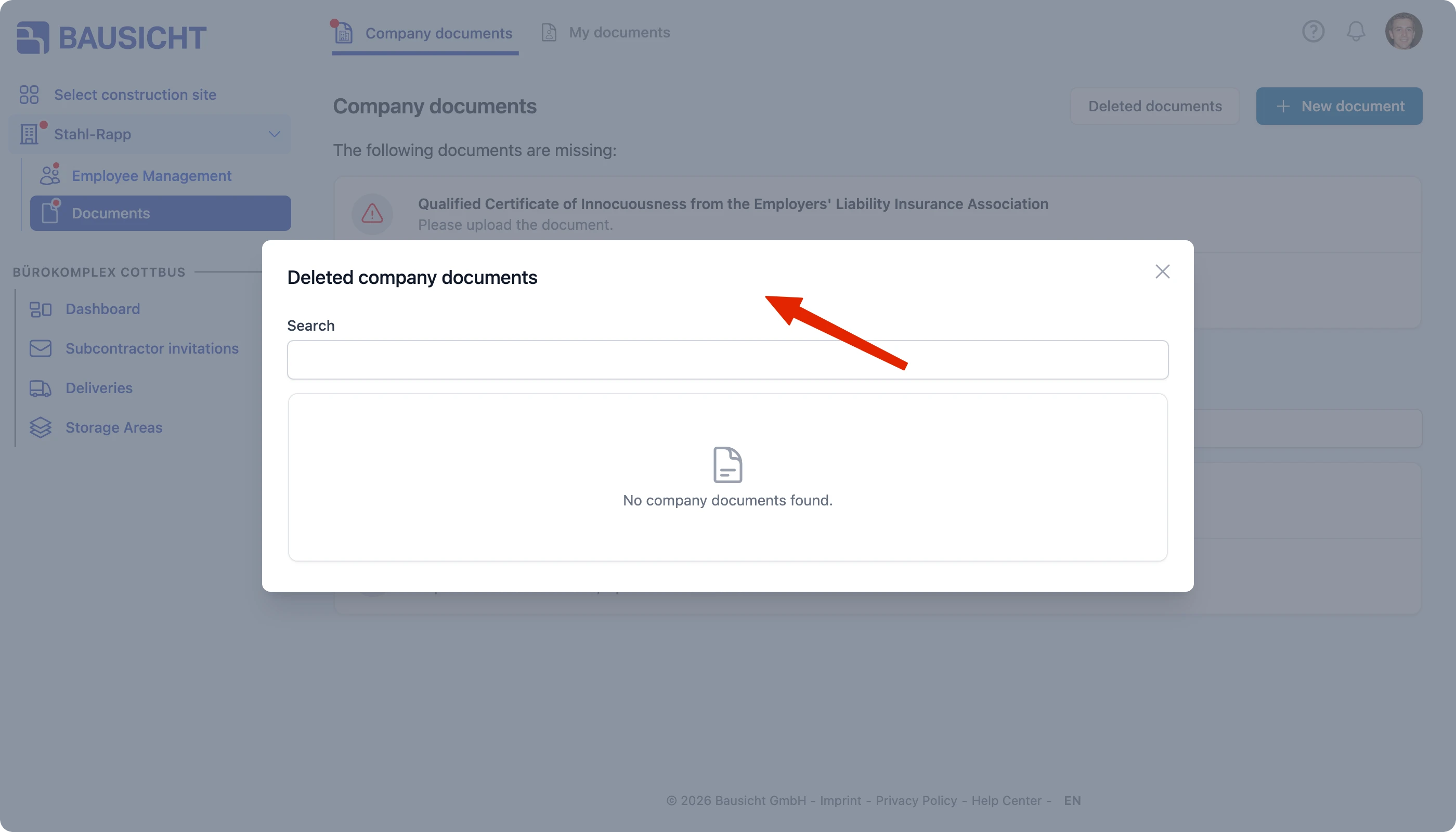
If no documents have been deleted, a note tells you that no company documents were found.

Note: If a document was deleted by mistake and you need it in your active records again, the quickest way is to upload it once more. If you no longer have the file, please contact our support team.
Need further help?
If you need further assistance, our support team is happy to help.